Limited launch bonus:Double your AI credits for 3 months when you start today

Muse

Shape your social content with Muse.

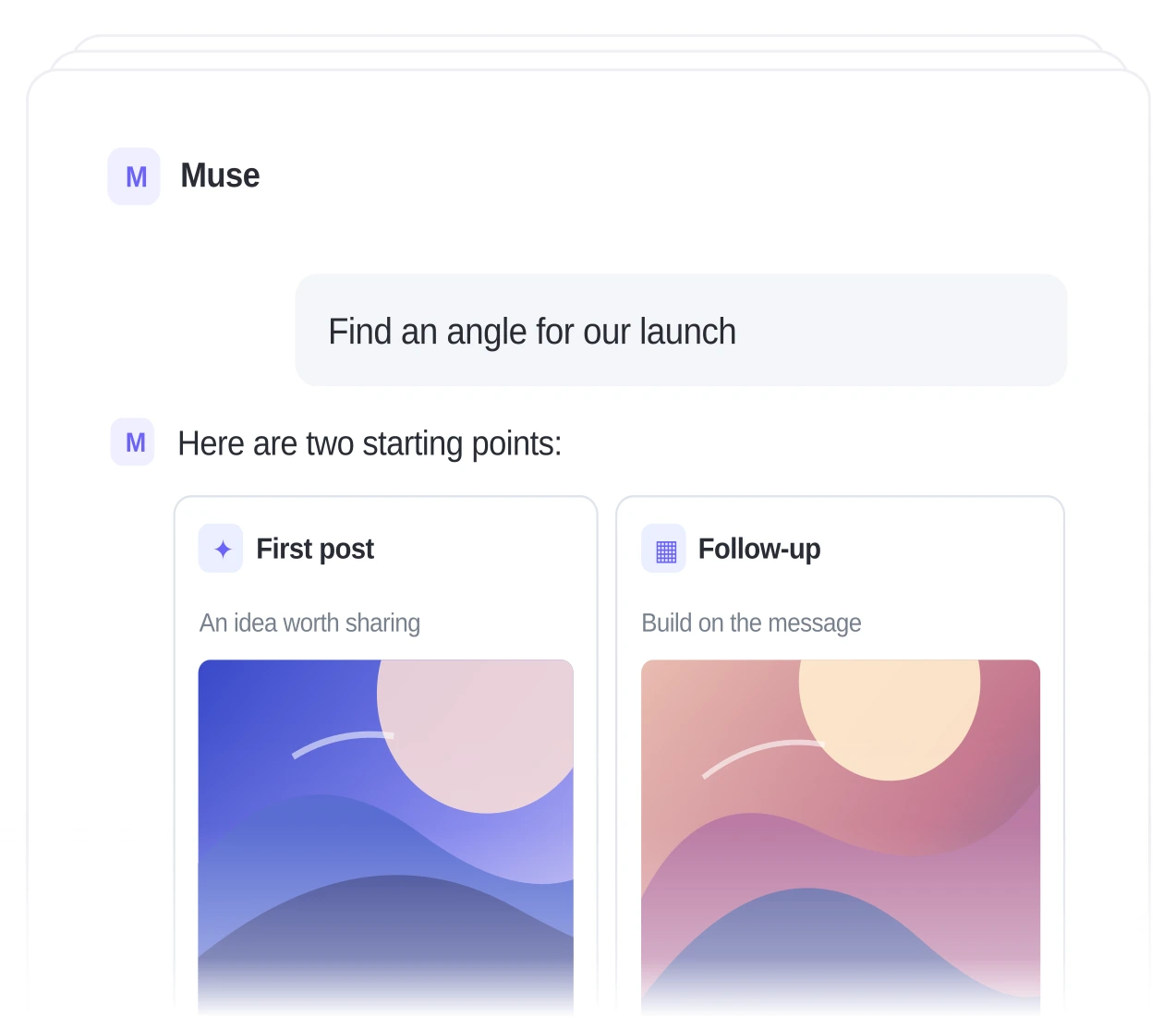
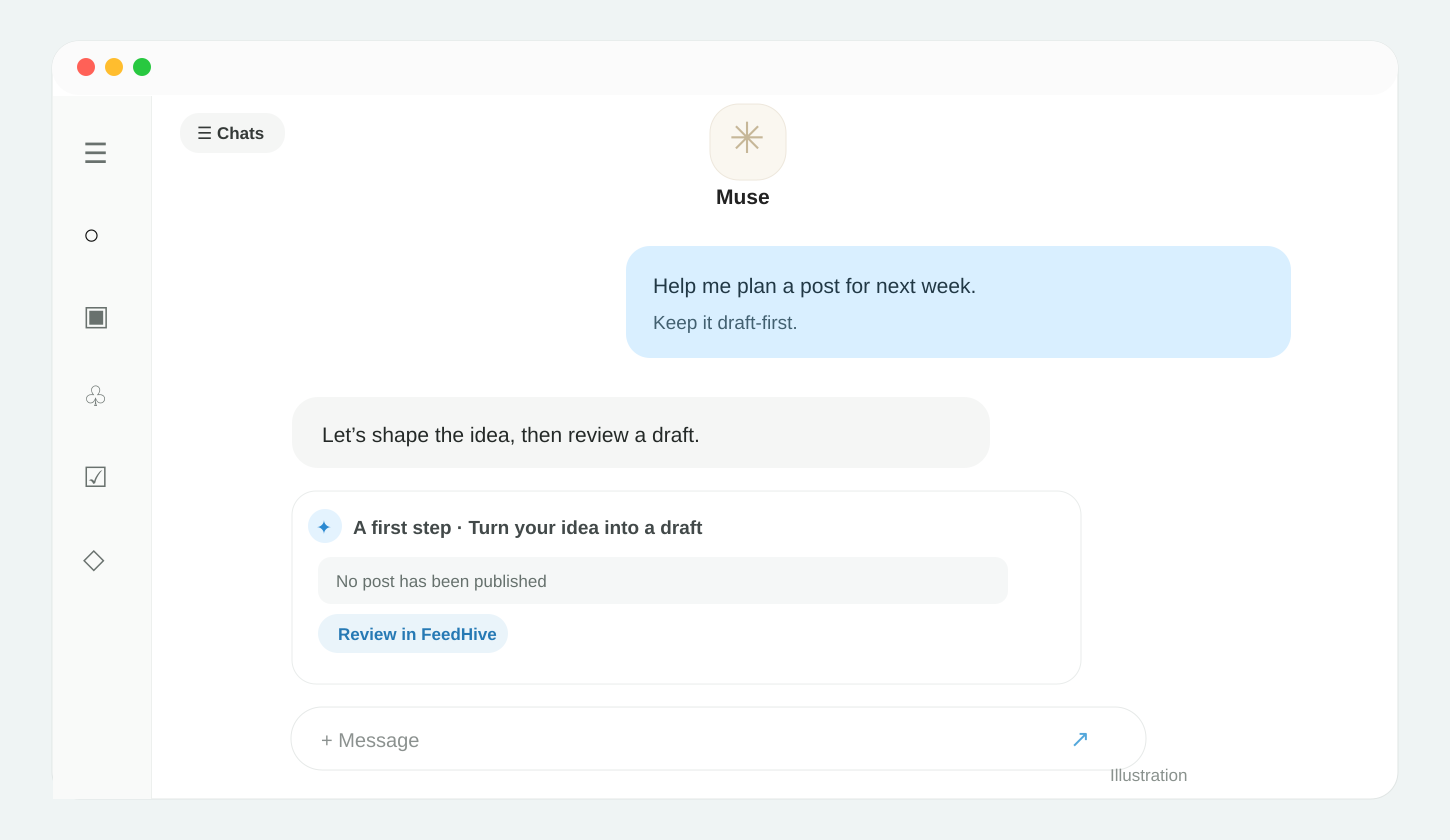
Explore social ideas with Muse, then create, schedule, and publish your content with FeedHive.

  • Start with a brief. From a content brief to a social post.
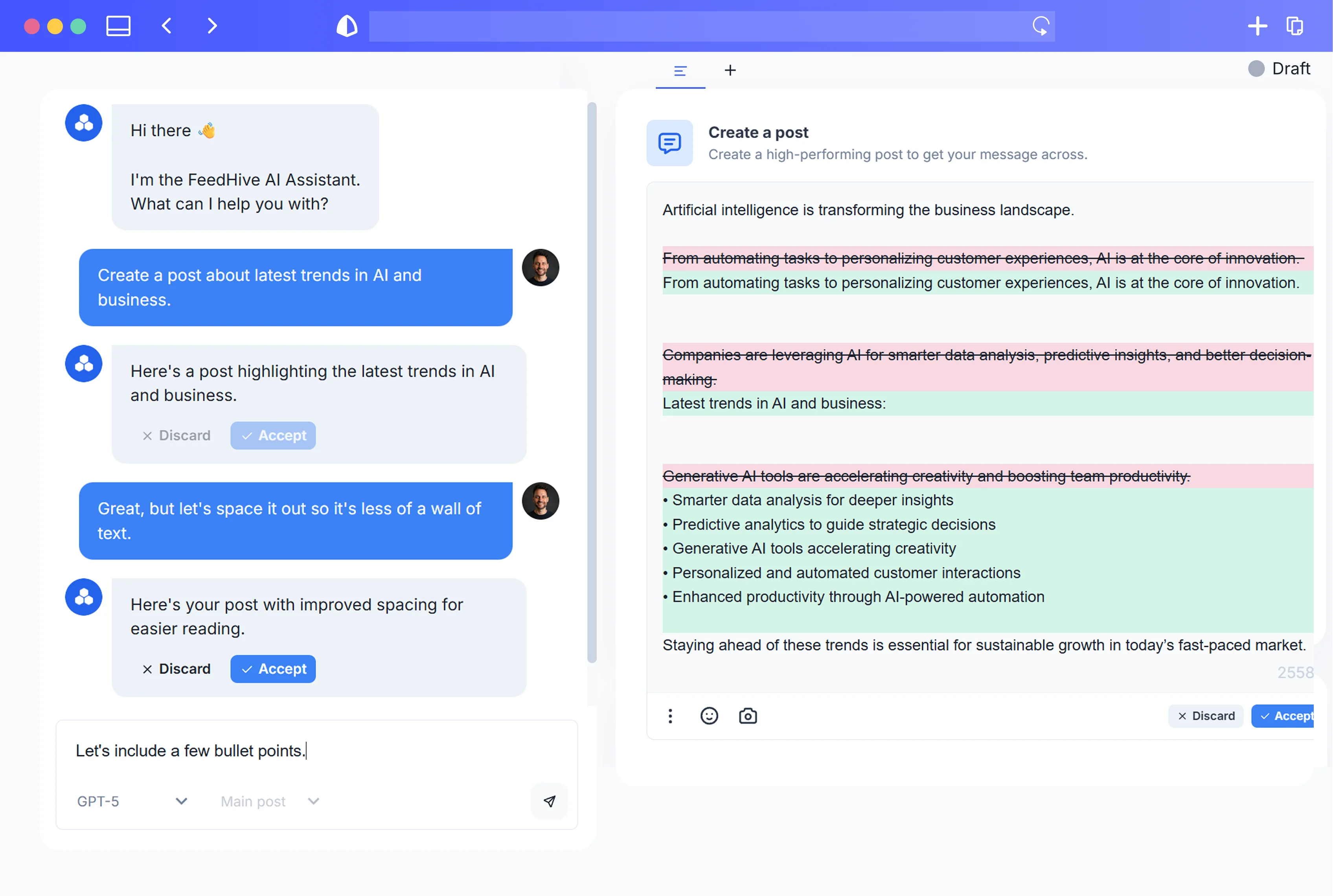
  • Create with FeedHive. Turn your ideas into social posts.
  • Schedule and publish. Get your posts in front of your audience.
Content planningFeedHive APIScheduling & publishing

Plan, create, publish

Muse × FeedHive

Shape the copy with Muse, then manage your social posts in FeedHive.

What teams get

From a content brief to a social post.

  • Shape social content with your AI agent.
  • Turn ideas into posts with FeedHive.
  • Schedule and publish across your channels.
  • Keep your content and calendar together.
01
AI workflow

Bring Muse into your social workflow

Copy this prompt

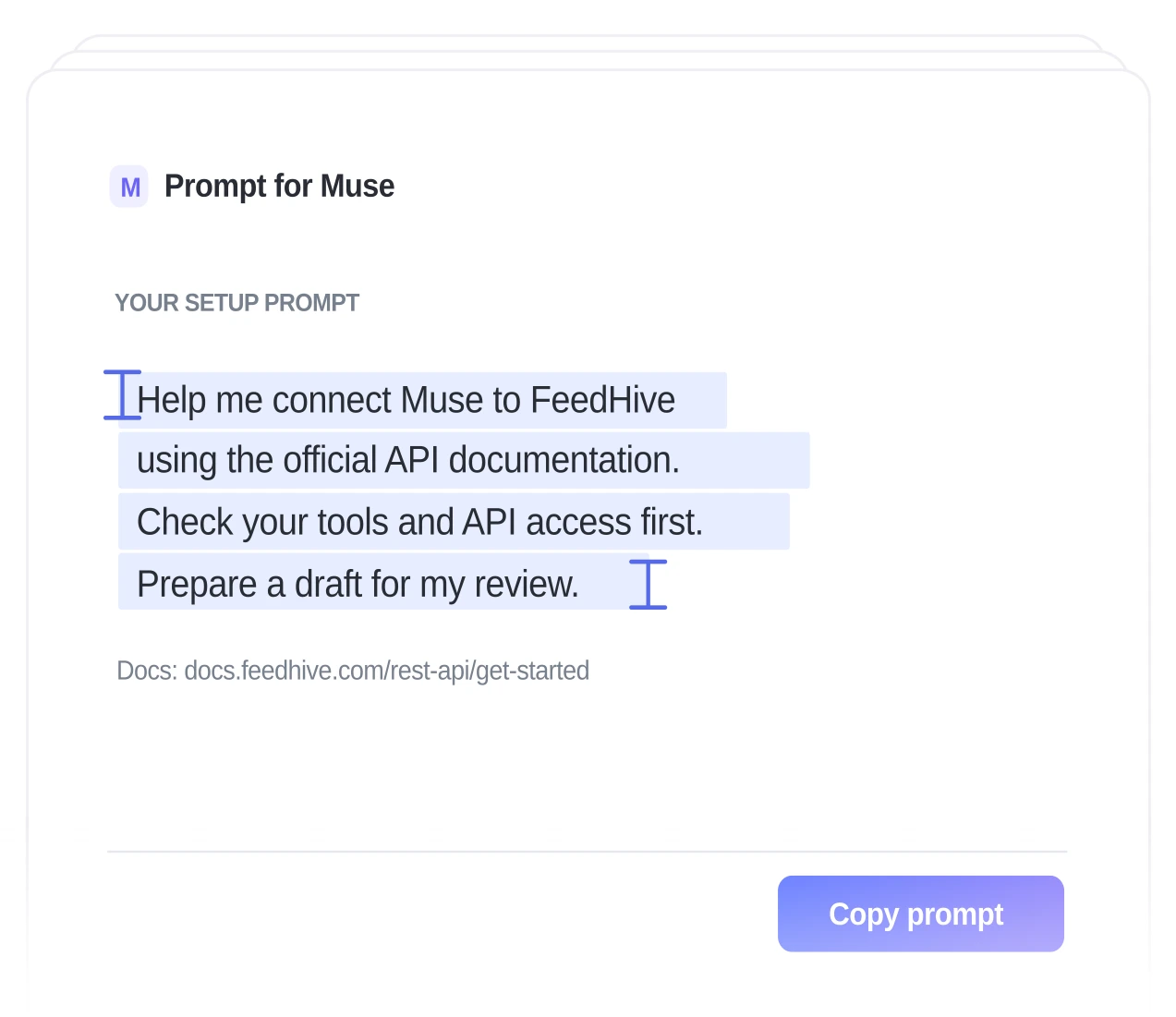
Help me connect Muse to my FeedHive account using the official API documentation: https://docs.feedhive.com/rest-api/get-started First, check which tools and API access you actually have. Guide me through creating a FeedHive API key and storing it securely in my environment; never ask me to paste the key into this chat. Use only documented endpoints, and confirm with me before publishing or modifying any existing posts. Start by showing me how to create a draft post.
02
API access

Create and manage posts with FeedHive

Muse
FeedHive API
Official docs
03
Publishing

Schedule and publish your social content

Create, schedule, and publish your post with FeedHive.

Muse in action

From idea to published post.

01.Connect your channels

Manage your social accounts together in FeedHive.

02.Create with your agent

Shape your social content with Muse.

03.Publish your content

Create, schedule, and publish your post with FeedHive.

Get started.

Try FeedHive for free and watch it transform your social media presence.

Get started. It's FREE

Try for free.

Cancel anytime.

BeehiivFaunaPrismicSenjaRiversidethirdweb
FeedHive workspace preview