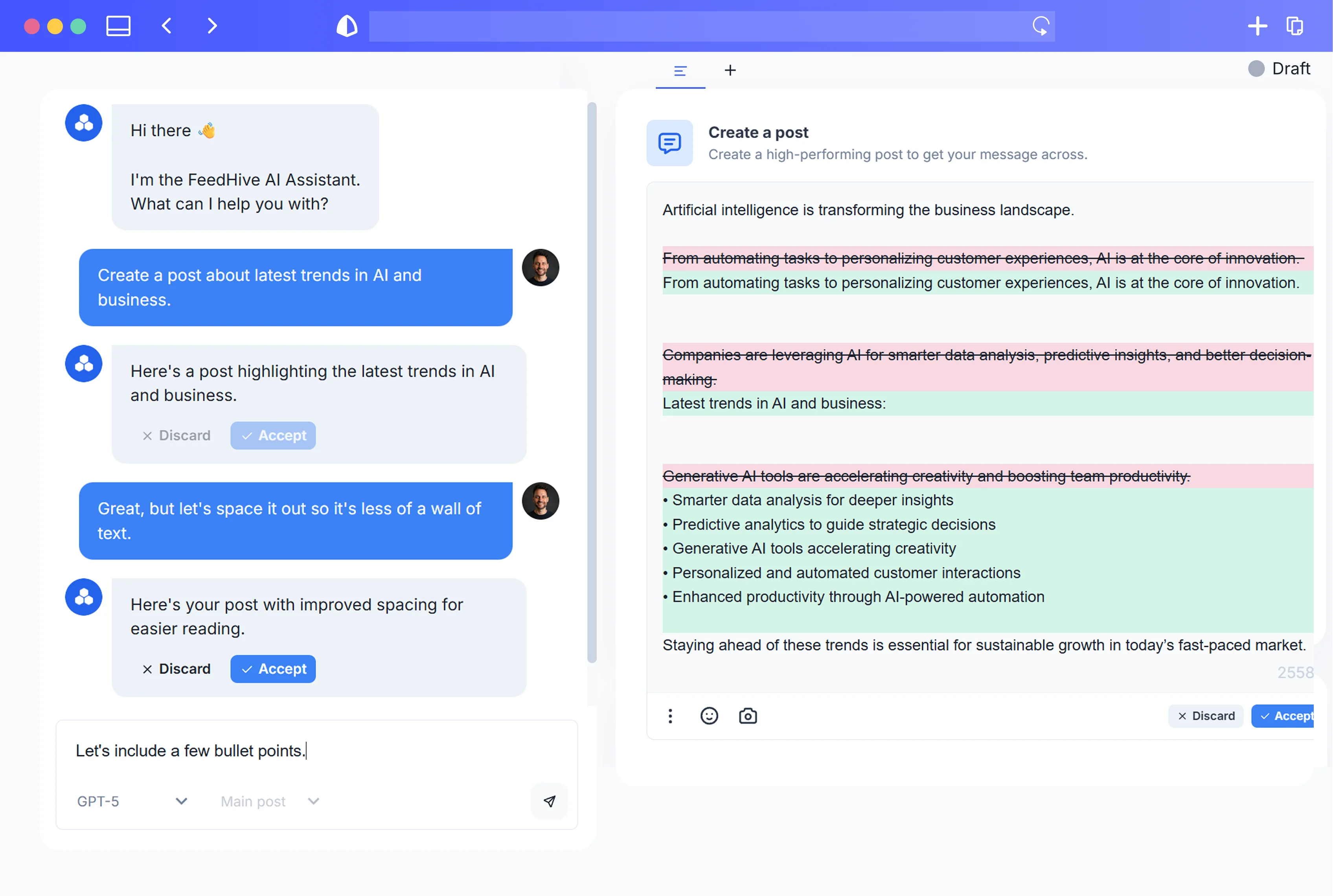
Limited launch bonus:Double your AI credits for 3 months when you start today

Make

Automate your social workflow with Make.

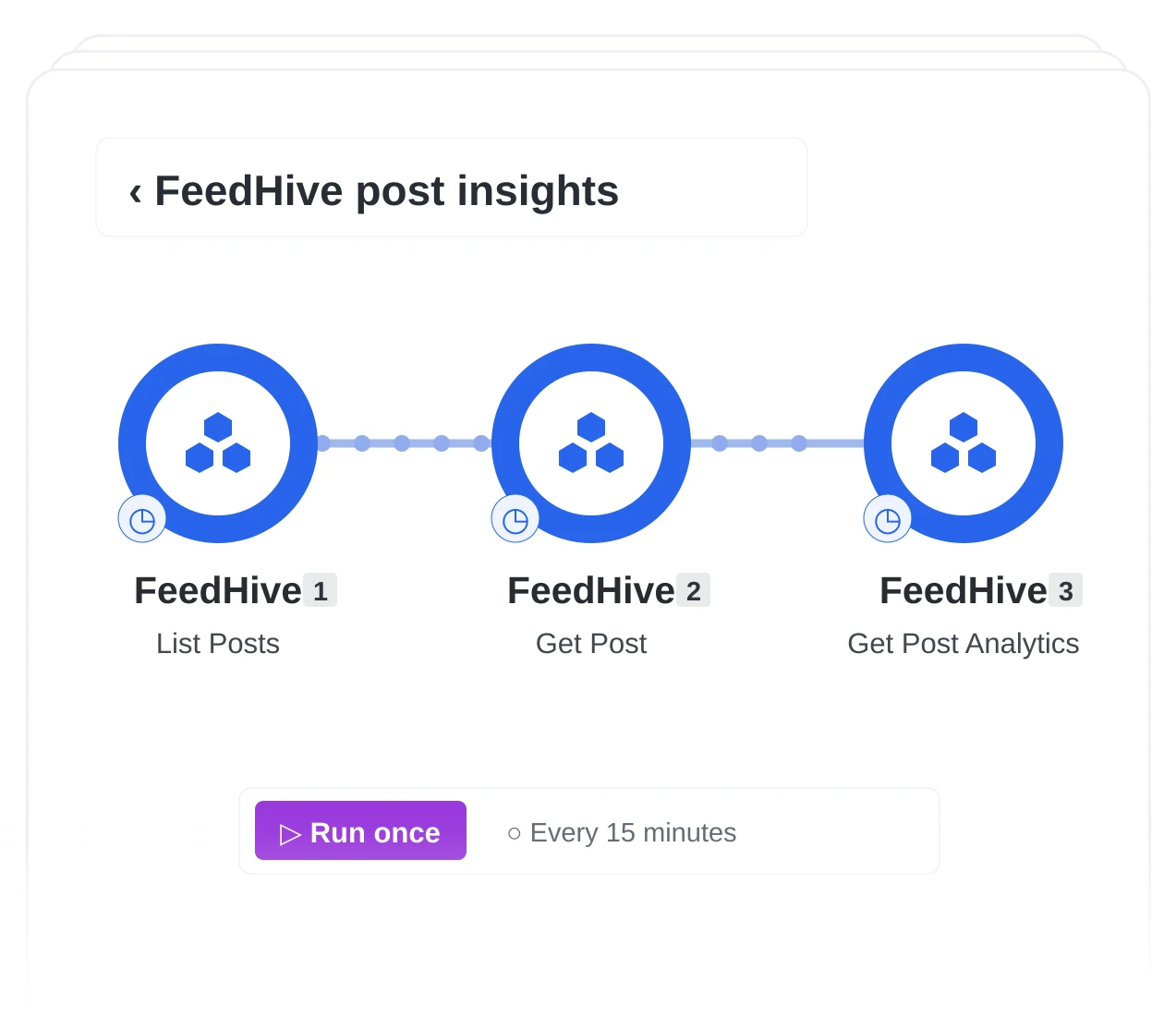
Connect FeedHive posts and analytics to the rest of your work with visual Make scenarios.
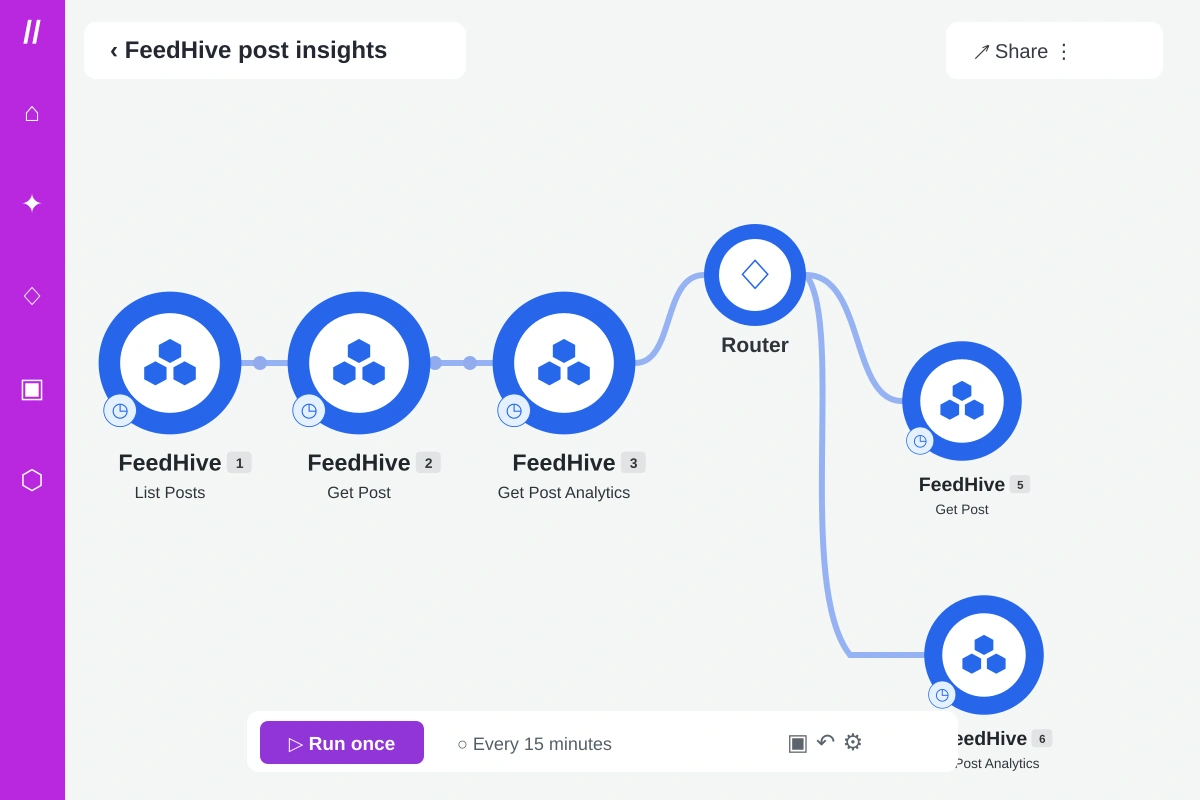
  • Bring in FeedHive data. Add posts and analytics to your scenario.
  • Connect your steps. Map post data between modules on the canvas.
  • Automate the flow. Run your scenario on your schedule.
Official FeedHive integrationBuild in the visual editorYou control when it runs
Illustrated Make editor workflow

Connect, automate, publish

Make × FeedHive

Bring FeedHive post data into Make’s visual canvas, map each step, and decide when your scenario runs.

What this example shows

A visual workflow for your social content.

  • Bring FeedHive post data into your Make scenarios.
  • Connect posts and analytics to the tools you use.
  • Build visual workflows around your social content.
  • Run your social workflows on your schedule.
02
Visual canvas

Connect your steps in Make’s editor

Map post data between modules to build your workflow.

03
Automation

Run your scenario on your schedule

Build and schedule your social workflows in Make.

Make in action
Connect your social workflow.

Create your account

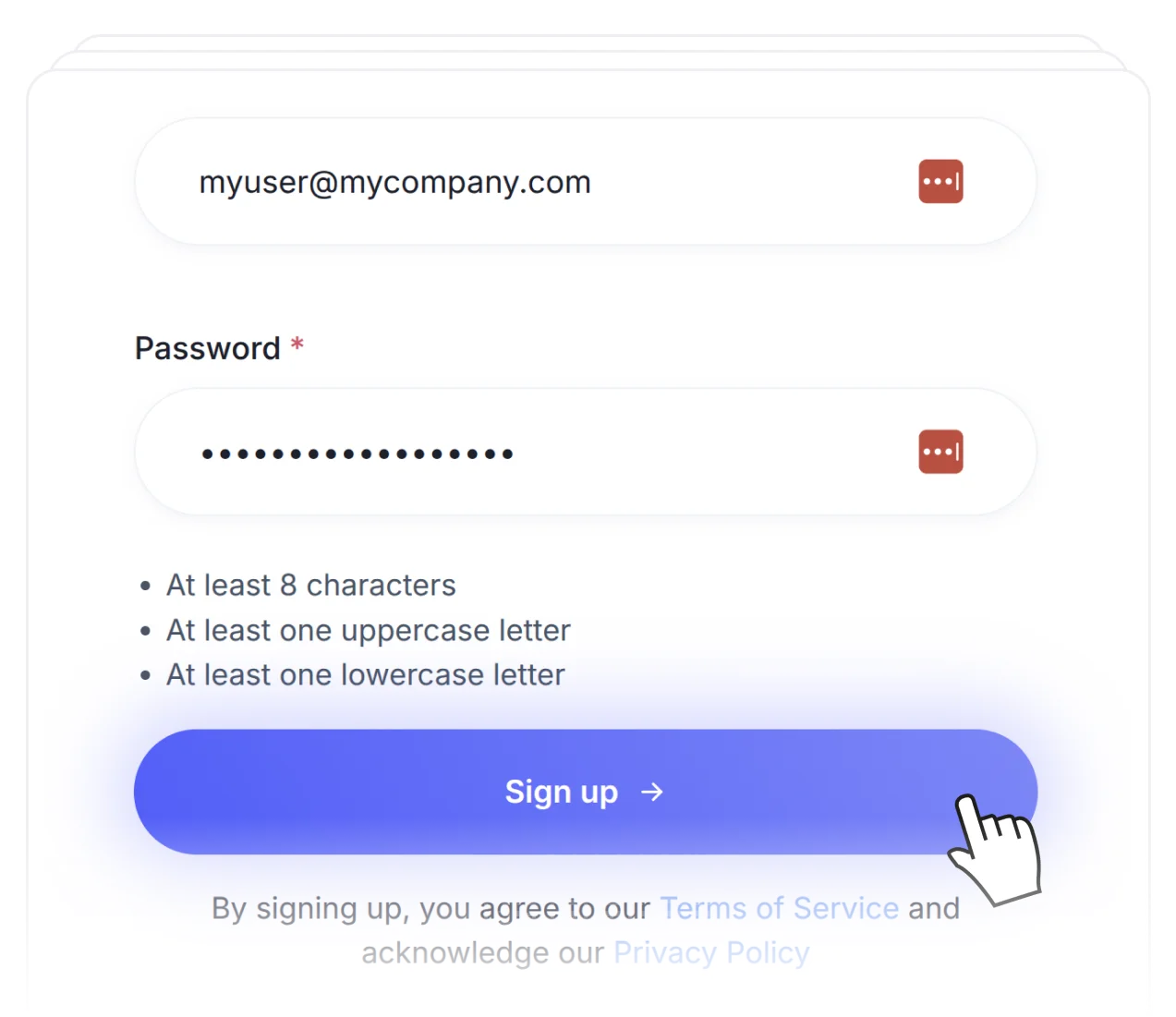
01.Create your account

Sign up for FeedHive and connect the socials you manage.
Connect FeedHive

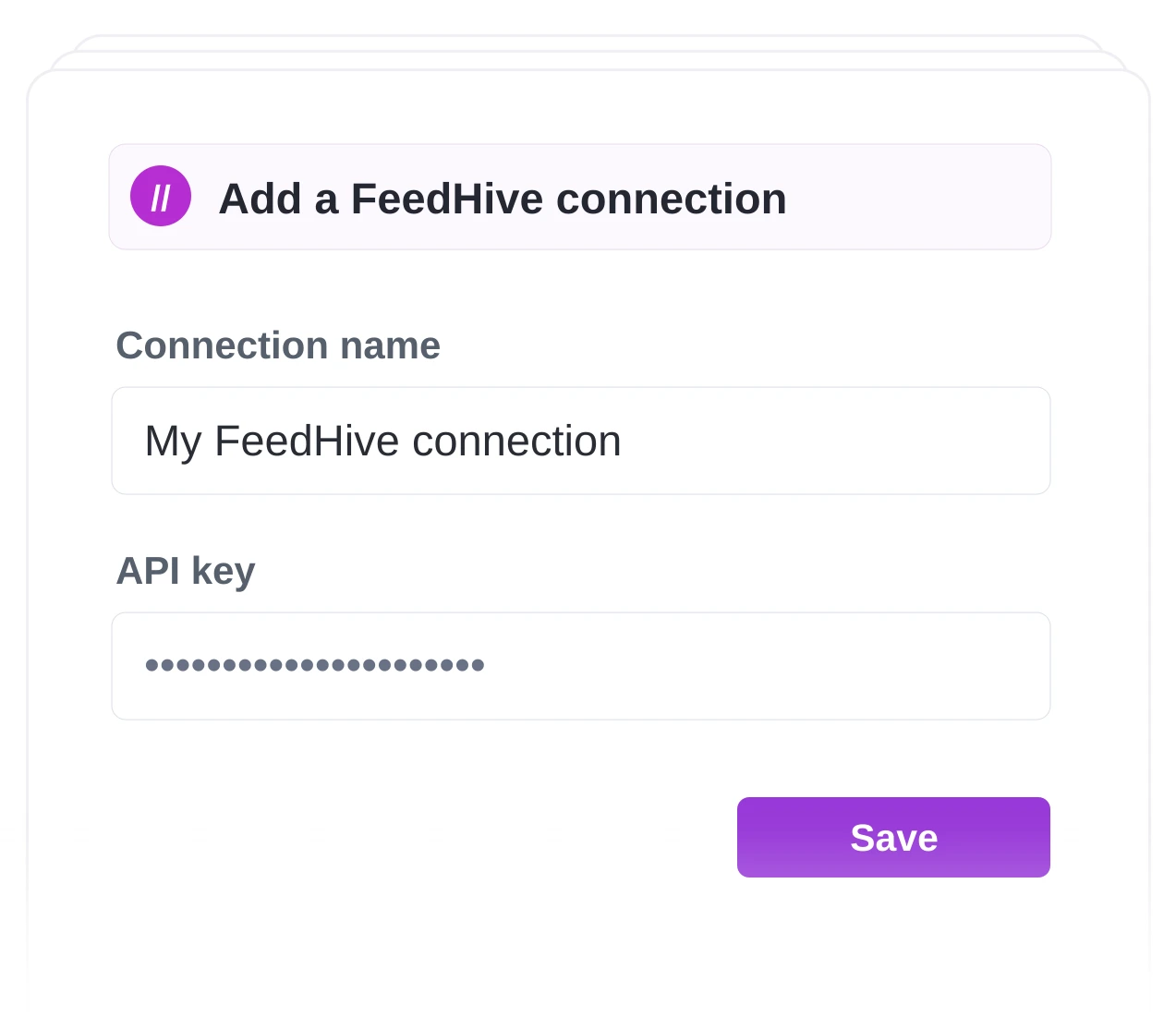
02.Connect FeedHive

Bring FeedHive posts and analytics into Make.
Build your scenario

03.Build your scenario

Map the post data, test your modules, then choose when it runs.

Get started.

Try FeedHive for free and watch it transform your social media presence.

Get started. It's FREE

Try for free.

Cancel anytime.

BeehiivFaunaPrismicSenjaRiversidethirdweb
FeedHive workspace preview