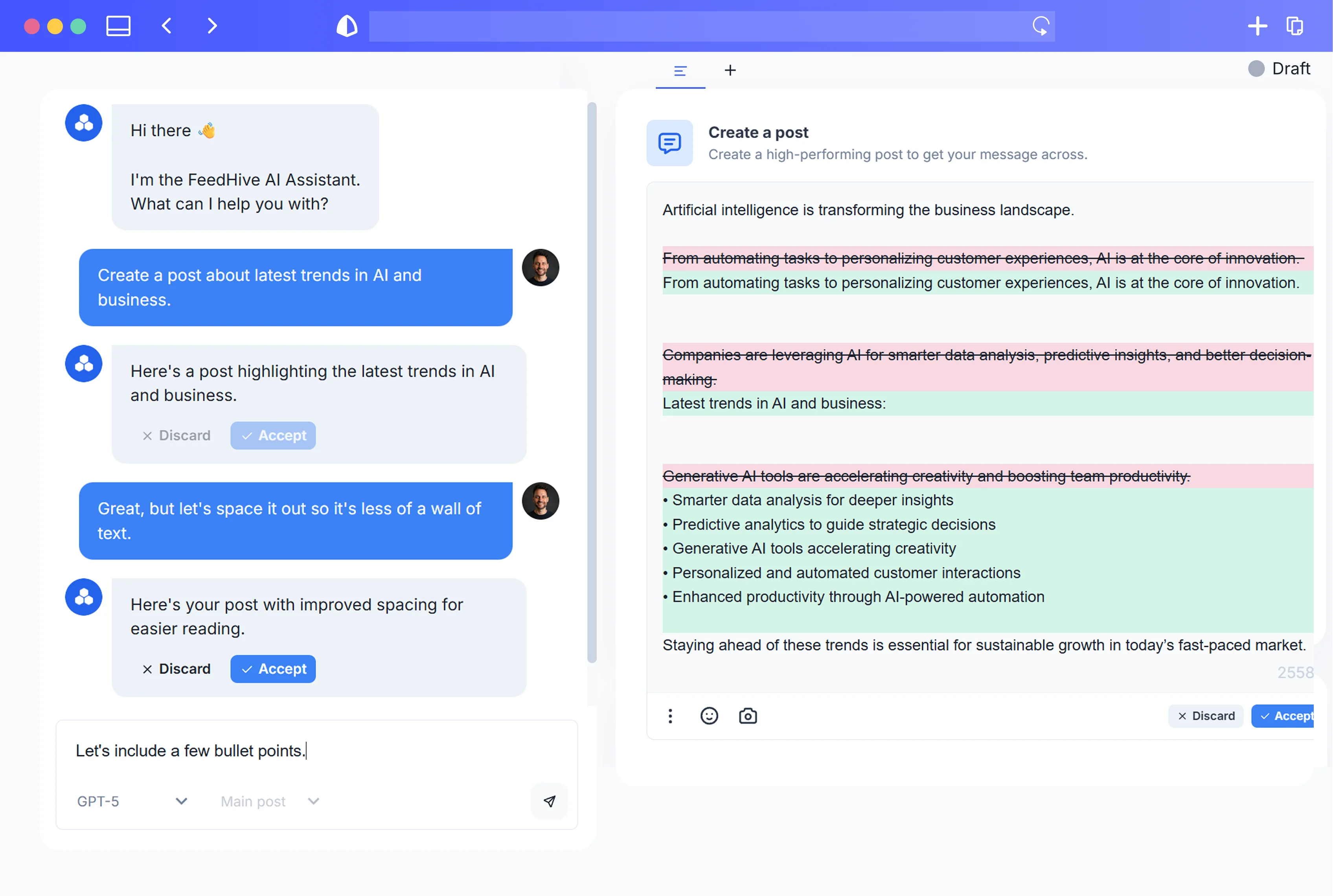
01
FeedHive event
Start with a FeedHive trigger
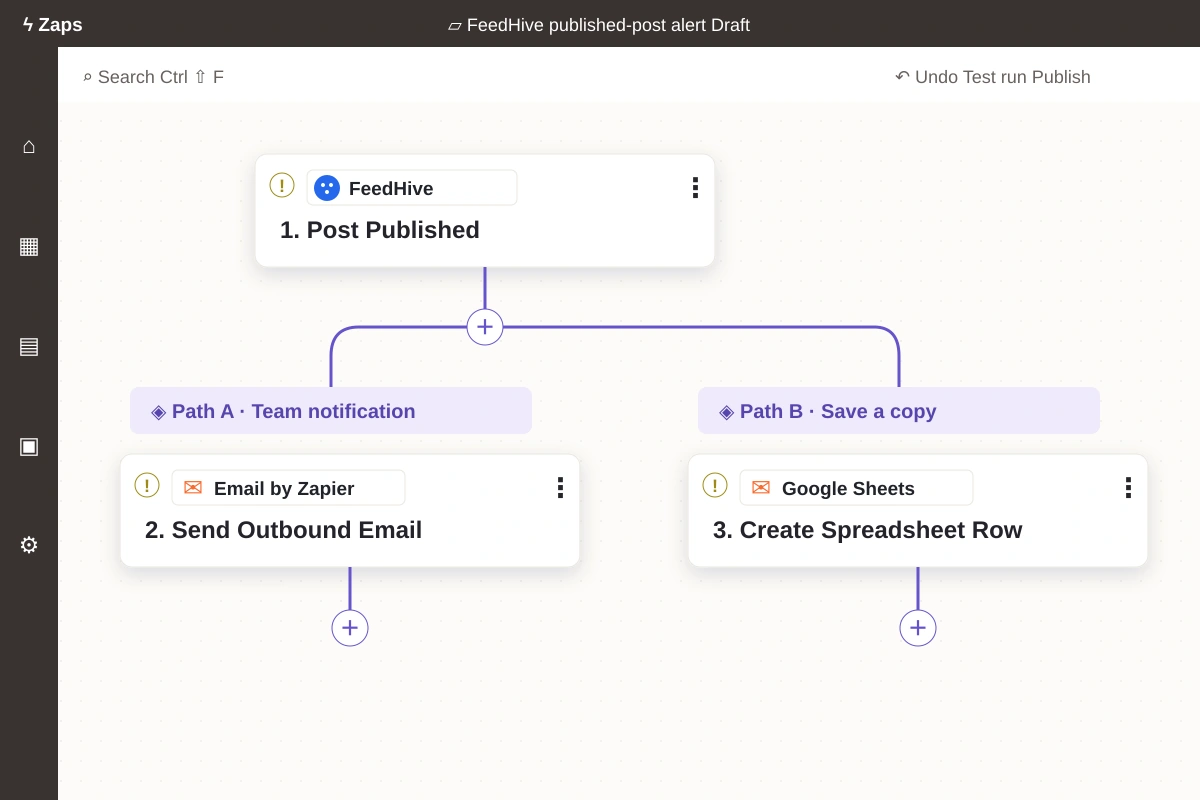
The pictured example uses Post Published to start a Zap.
Read the official Zapier guide →Zapier
Use FeedHive triggers and actions in Zapier to connect your posts with the other tools you use.
Connect, automate, publish
Connect FeedHive events to the other tools your team uses, while choosing what each Zap does and when it goes live.
What this example shows
Social updates connected to the tools you use.
The pictured example uses Post Published to start a Zap.
Read the official Zapier guide →Send FeedHive events to email and other apps with Zapier.
Build automated workflows from FeedHive events.
Zapier in action
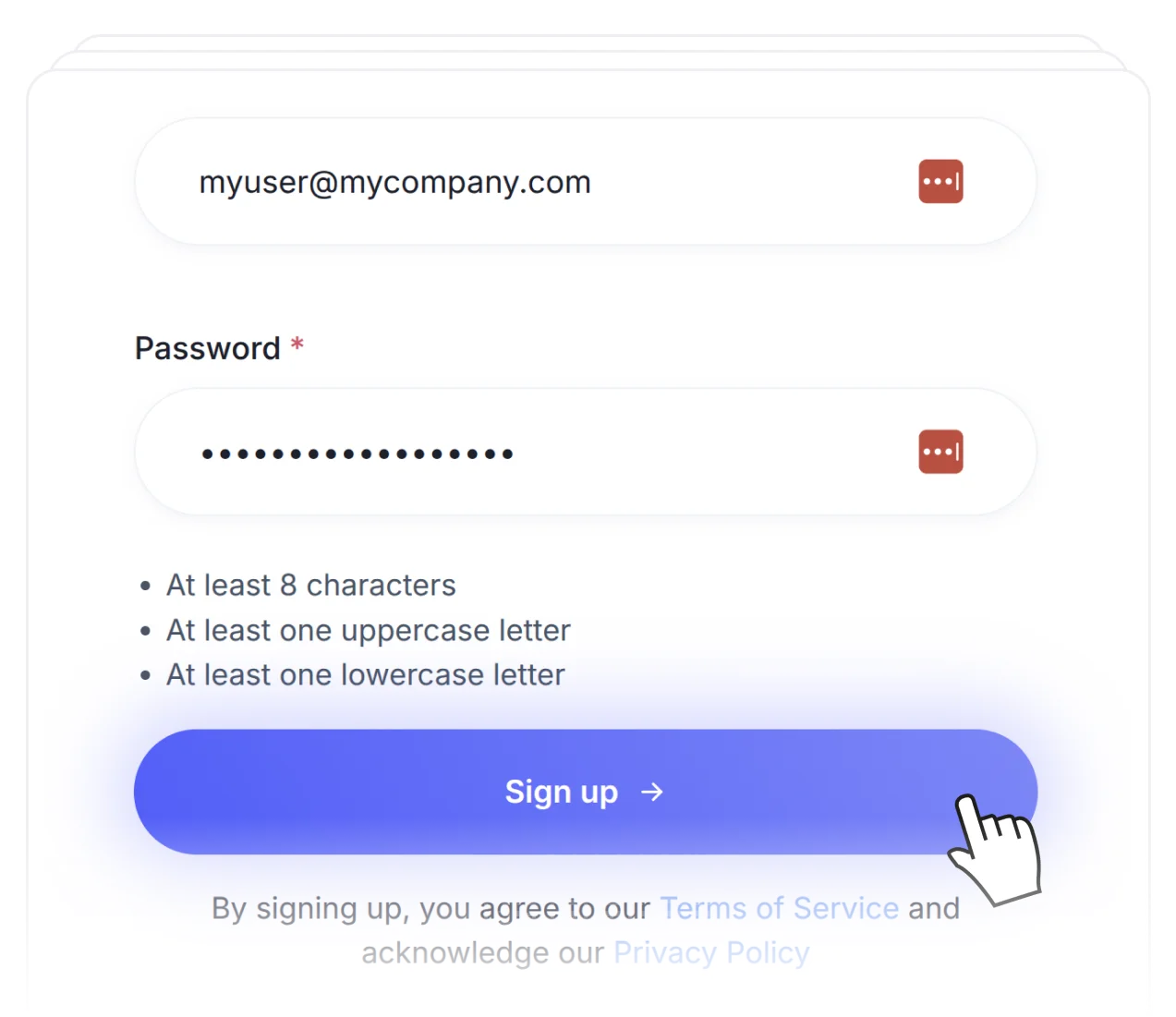
Sign up for FeedHive and connect the socials you manage.
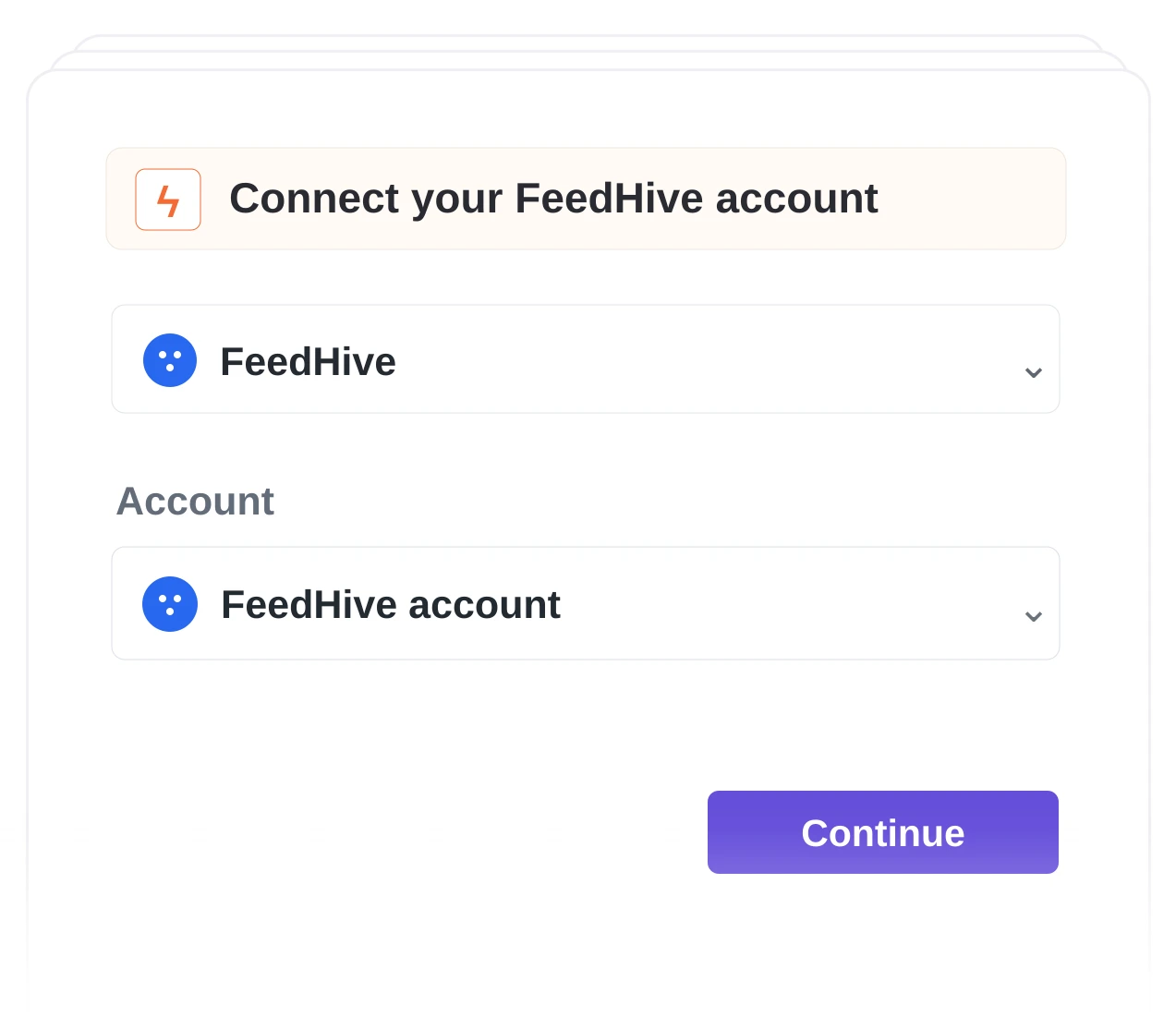
Connect FeedHive to your Zapier workflows.
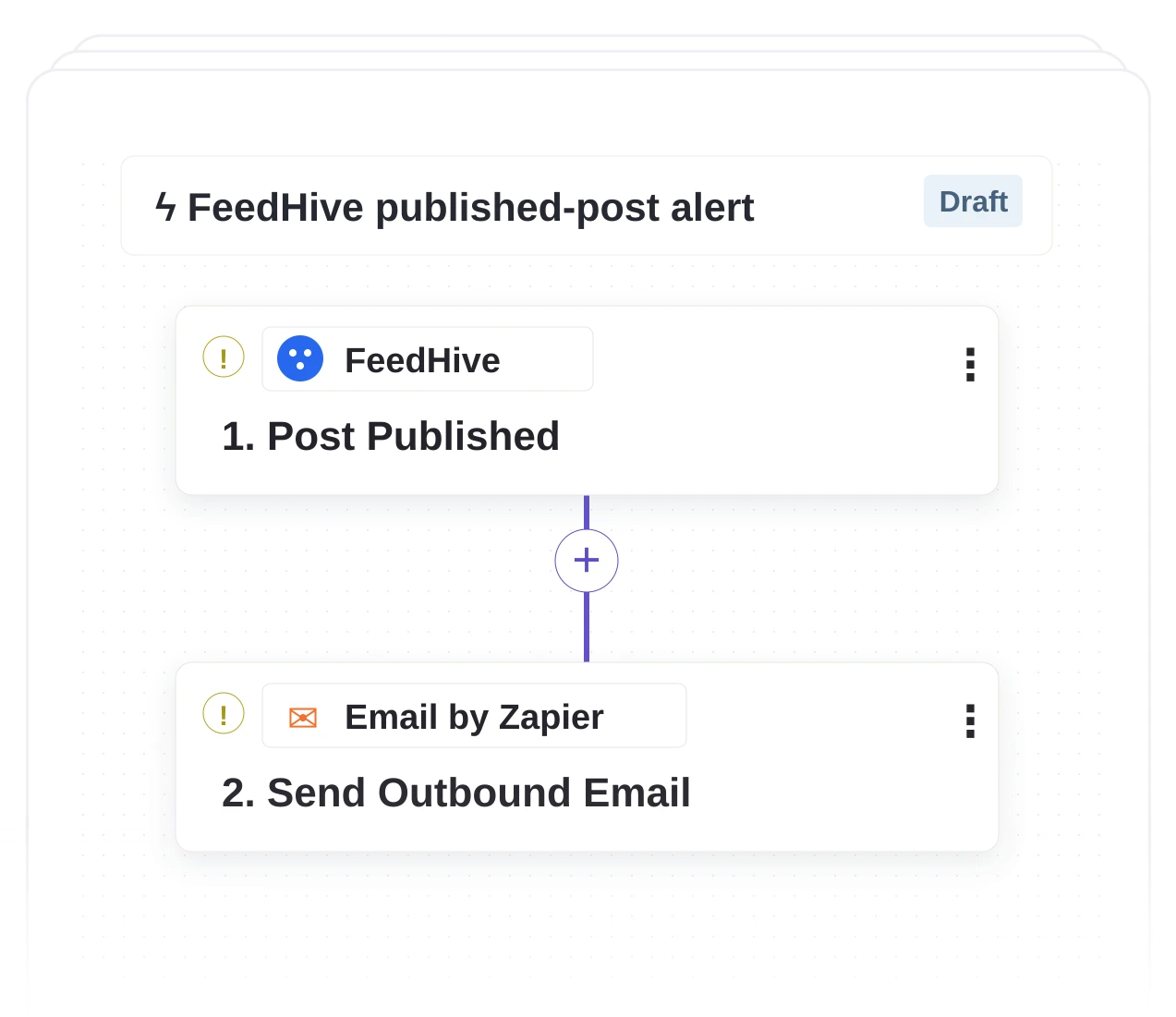
Choose a trigger and action, test the mapping, then enable it when ready.
Get started.
Try for free.
Cancel anytime.