

The Problem With Daily Posting
If you're still creating social media posts one at a time, you're fighting a losing battle.
The math is brutal: 5 platforms × 1 post per day × 30 days = 150 pieces of content per month. Even if each post only takes 10 minutes, that's 25 hours of work—just on content creation.
Most social media managers spend their weeks in reactive mode: scrambling for ideas, context-switching between platforms, and wondering why they never have time for strategy.
There's a better way.
What Is Content Batching?
Content batching is the practice of creating multiple pieces of content in a single focused session. Instead of writing one Instagram caption before lunch and one LinkedIn post after a meeting, you dedicate a block of time—say, 2-3 hours—to produce an entire week or month of content.
The benefits are immediate:
- Deep focus — No context-switching means higher quality content
- Consistency — Your posting schedule never depends on "finding time"
- Strategic thinking — When you see a month of content at once, patterns and gaps become obvious
- Reduced stress — That Sunday night panic about Monday's post? Gone.
But traditional batching has limits. Creating 30+ posts manually is exhausting. This is where AI changes everything.
How AI Transforms Content Batching
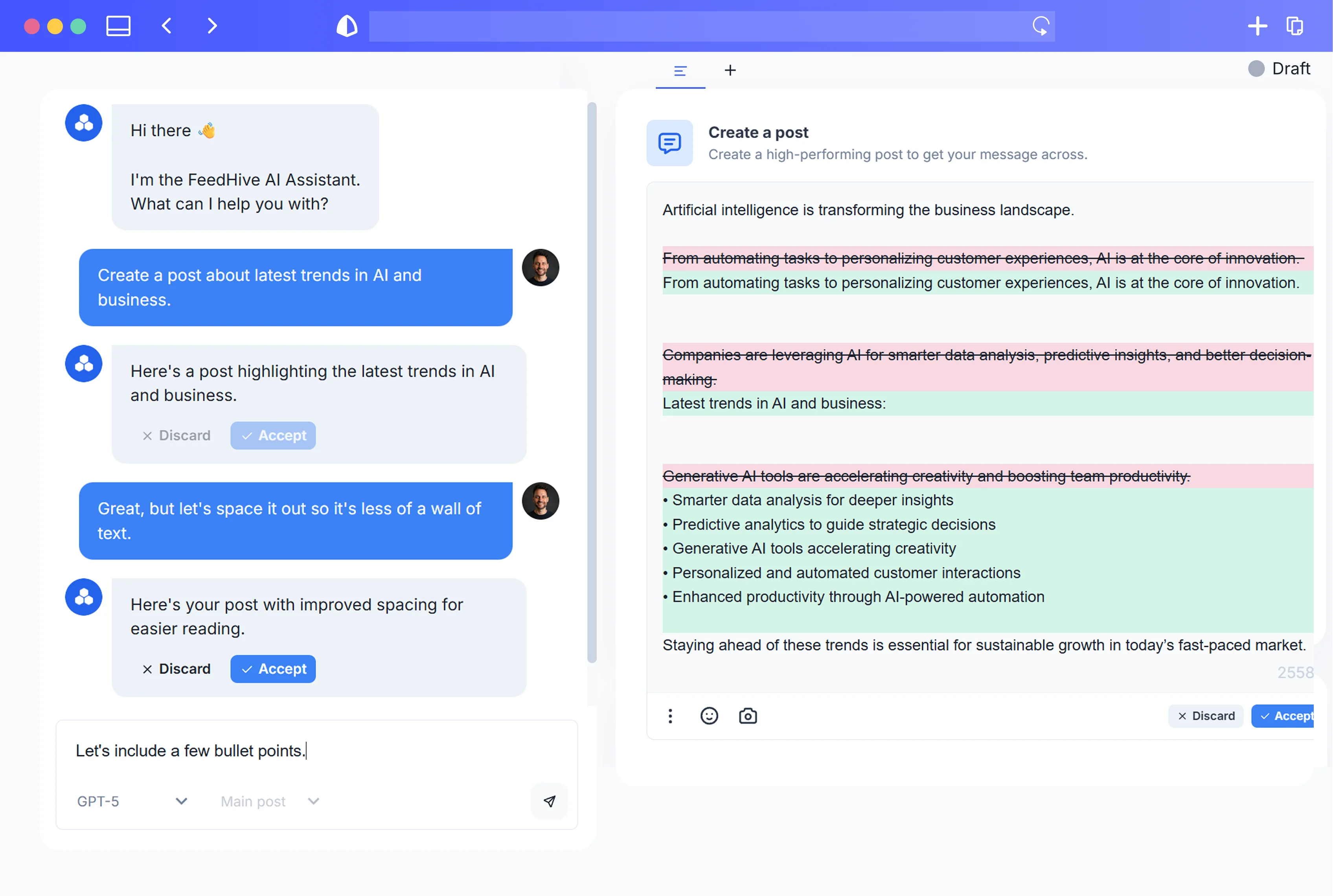
AI doesn't replace your creativity—it amplifies it. Here's how modern AI tools accelerate the batching process:
1. Idea Generation at Scale
Instead of staring at a blank screen, you can prompt AI to generate dozens of content angles from a single topic. Give it your core themes, and it returns variations you'd never have thought of.
Example prompt: "Generate 10 LinkedIn post ideas about remote team productivity for a B2B SaaS audience"
In seconds, you have a week's worth of starting points.
2. Platform-Specific Adaptation
A single core idea can become five different posts—one for each platform. AI handles the translation:
- LinkedIn: Professional tone, longer format, industry insights
- Twitter/X: Punchy, hook-driven, thread-worthy
- Instagram: Visual-first, caption optimized for engagement
- TikTok: Trend-aware, casual, hook in first 3 seconds
- Facebook: Community-focused, conversation-starting
What used to take 30 minutes (rewriting the same idea five times) now takes 30 seconds.
3. Variation Creation
Even within a single platform, you often want to test different angles. AI can generate multiple versions of the same post:
- Version A: Question hook
- Version B: Bold statement
- Version C: Story-driven opener
This turns one piece of content into three testable options.
4. Scheduling Intelligence
The best AI scheduling tools don't just hold your posts—they optimize them. They analyze your historical performance data and suggest the ideal posting times for your specific audience.
No more guessing. No more posting at "9 AM" because a blog post from 2019 said so.
The 30-Day Content Batching Framework
Here's a step-by-step system to create a full month of content in one session:
Step 1: Define Your Content Pillars (15 minutes)
Before touching AI, get clear on your themes. Most brands can operate with 3-5 content pillars:
- Educational — Tips, how-tos, industry insights
- Engagement — Questions, polls, hot takes
- Promotional — Product features, case studies, offers
- Behind-the-scenes — Team stories, process reveals
- Curated — Industry news, relevant shares
Write these down. They're your guardrails.
Step 2: Generate Ideas in Bulk (30 minutes)
For each pillar, use AI to generate 10-15 post ideas. That's 50-75 ideas total—way more than you need for a month.
Filter ruthlessly. Keep the 30-40 strongest ideas.
Pro tip: Include a mix of evergreen content (always relevant) and timely content (tied to events, seasons, or trends).
Step 3: Create Core Content (60-90 minutes)
Now write your posts. With AI assistance, this goes fast:
- Start with your best idea
- Draft the core message (2-3 sentences)
- Let AI expand it into platform-appropriate formats
- Edit for your voice and brand
- Repeat
You're not writing from scratch—you're editing and refining. That's 3x faster.
Step 4: Generate Variations (20 minutes)
For your top-performing content types, create 2-3 variations of each post. This gives you:
- A/B testing options
- Backup content if something doesn't land
- Flexibility to swap posts based on current events
Step 5: Schedule Everything (15 minutes)
Load your content into your scheduling tool. Let AI optimize the timing based on when your audience is most active.
Review the calendar view. Look for:
- Gaps (any days without posts?)
- Clustering (too many promotional posts in a row?)
- Balance (are all pillars represented?)
Adjust as needed. Hit schedule.
Total time: 2.5-3 hours
That's it. A month of content, done in an afternoon.
Common Mistakes to Avoid
1. Over-relying on AI
AI is a tool, not a replacement for strategy. Every post should still pass through your judgment: Does this sound like us? Does this provide value? Would I engage with this?
2. Ignoring Platform Nuances
A post that works on LinkedIn will flop on TikTok. Always adapt—never just copy-paste across platforms.
3. Forgetting to Leave Room for Real-Time Content
Your batch content is your foundation, not your entire strategy. Leave space (maybe 20-30% of your posts) for reactive content: trending topics, customer interactions, timely news.
4. Not Reviewing Performance
Batching only works if you learn from it. Each month, review what worked:
- Which pillars drove the most engagement?
- Which post formats performed best?
- What times generated the most reach?
Feed these insights back into your next batching session.
The Tools You Need
To batch content effectively with AI, you need:
- An AI writing assistant — For idea generation and content creation
- A multi-platform scheduler — To manage posts across all your channels
- Analytics integration — To learn from performance data
The best modern tools combine all three. Look for platforms that offer AI-powered content creation, cross-platform scheduling, and performance insights in one place.
Start Small, Scale Fast
If a full month feels overwhelming, start with a week. Batch 7 days of content in a single 45-minute session. See how it feels. Notice how much mental space opens up when you're not scrambling for tomorrow's post.
Then extend to two weeks. Then a month.
Before long, you'll wonder how you ever managed social media any other way.