Limited launch bonus:Double your AI credits for 3 months when you start today

ChatGPT

Plan with ChatGPT. Publish with FeedHive.

Add the official FeedHive plugin to ChatGPT, then plan, draft, and schedule social posts right from your chat.

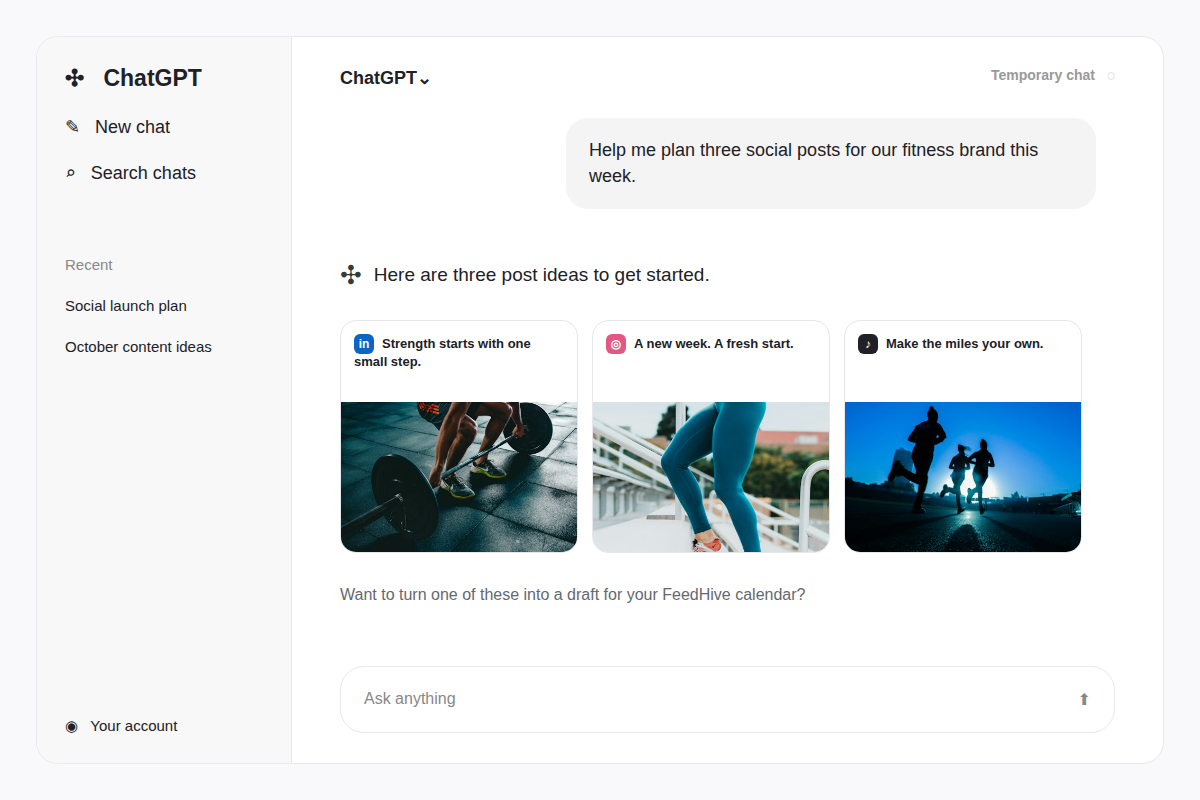
  • Start with a prompt. Ask ChatGPT to explore a social idea and plan your next posts.
  • Create with FeedHive. Turn your ideas into social posts.
  • Schedule and publish. Get your posts in front of your audience.
Official pluginContent planningDrafts & scheduling
FeedHive ChatGPT preview

Plan, create, publish

ChatGPT × FeedHive

Use ChatGPT to develop your content, then create, schedule, and publish your posts with FeedHive.

What teams get

Your content plan and publishing workflow, together.

  • Plan your social content with ChatGPT.
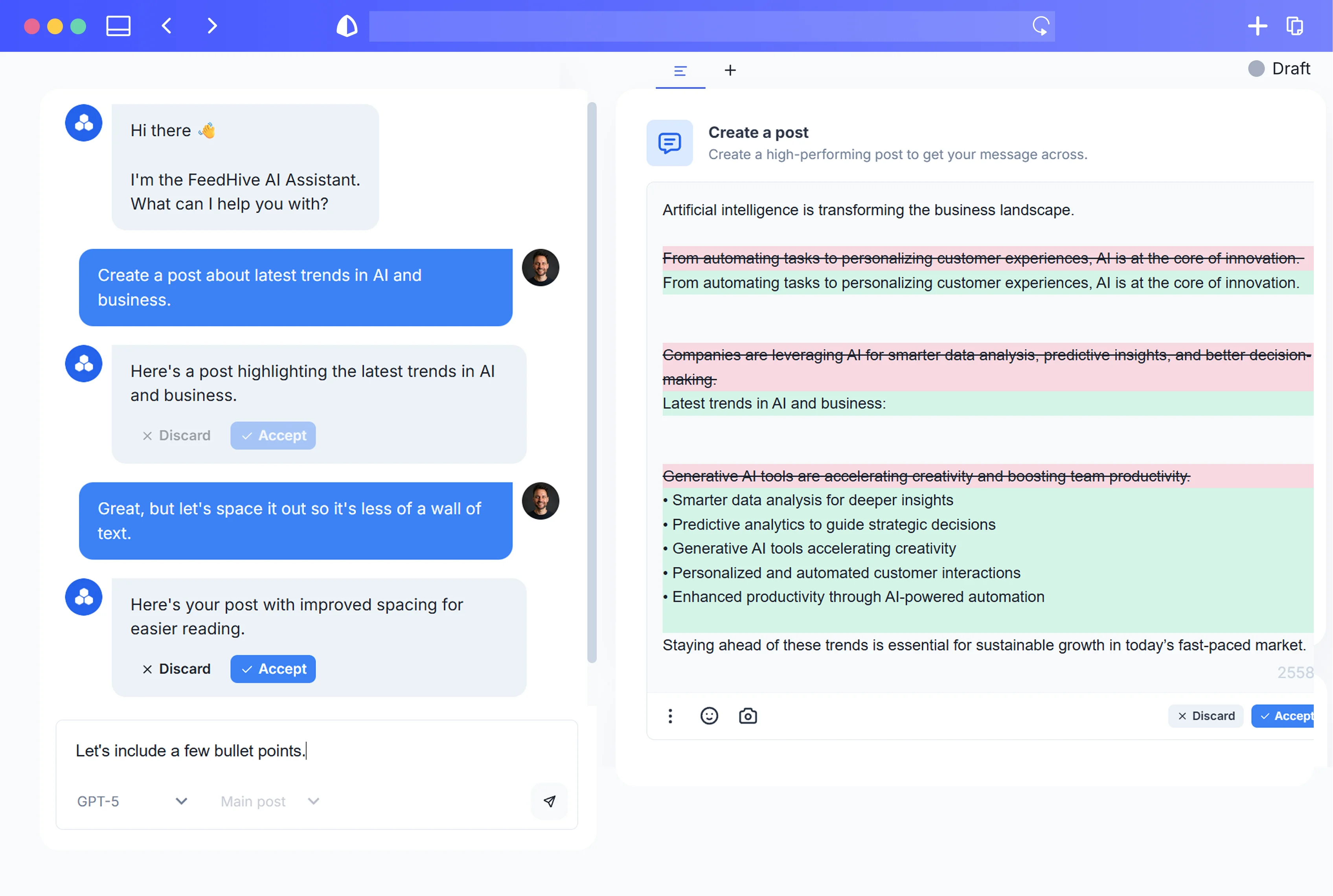
  • Turn ideas into posts with FeedHive.
  • Schedule and publish across your channels.
  • Keep your content and calendar together.
01
Official plugin

Use the official ChatGPT plugin

ChatGPT plugin

Official

FeedHive for ChatGPT

Plan, draft, and schedule posts from ChatGPT.

Use with ChatGPT
02
Plugin access

Create and manage posts with FeedHive

ChatGPT
FeedHive plugin
Official docs
03
Publishing

Schedule and publish your social content

Take content from idea to published post.

ChatGPT in action
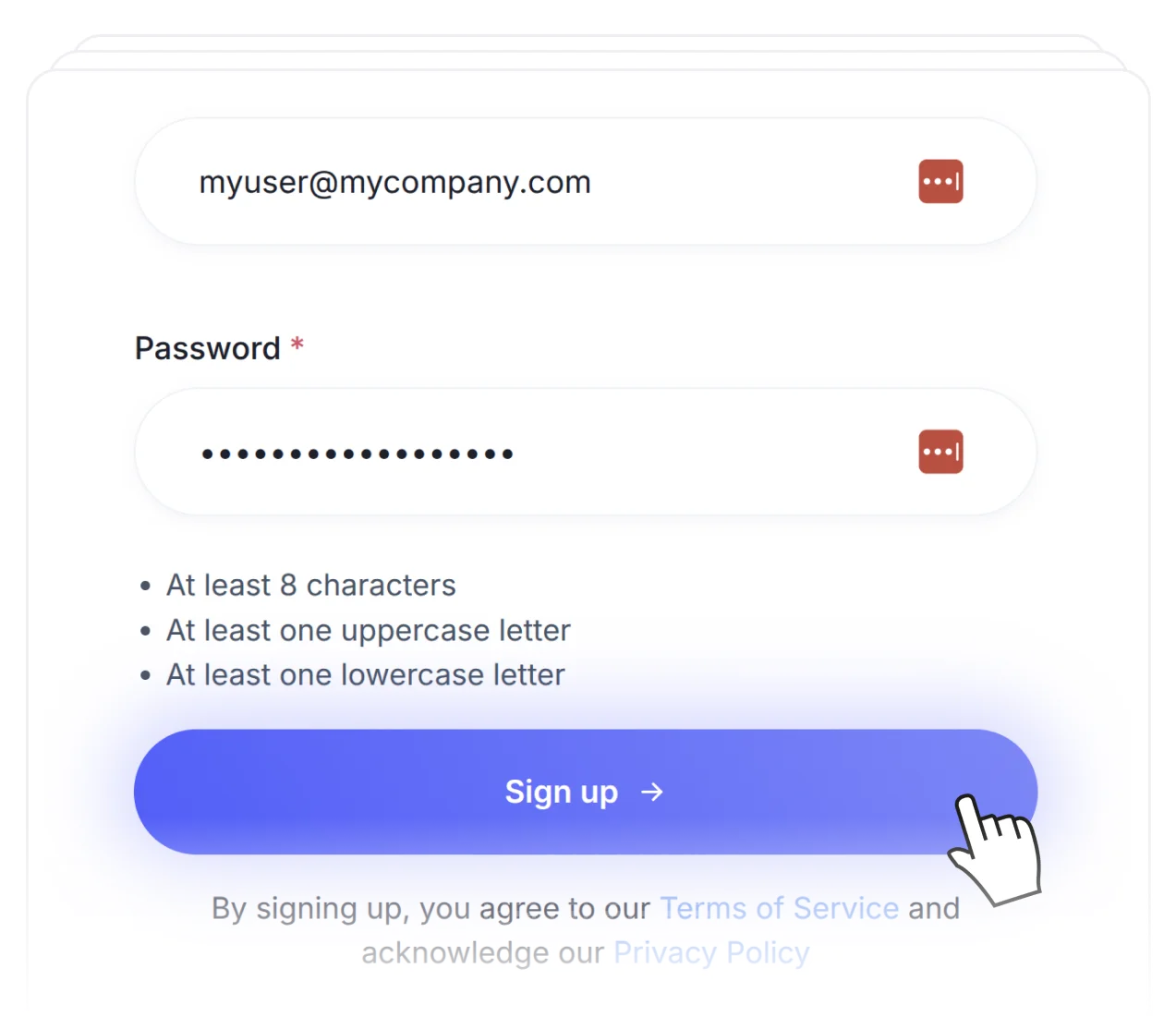
Get started in 3 simple steps.

Connect your channels

01.Connect your channels

Manage your social accounts together in FeedHive.
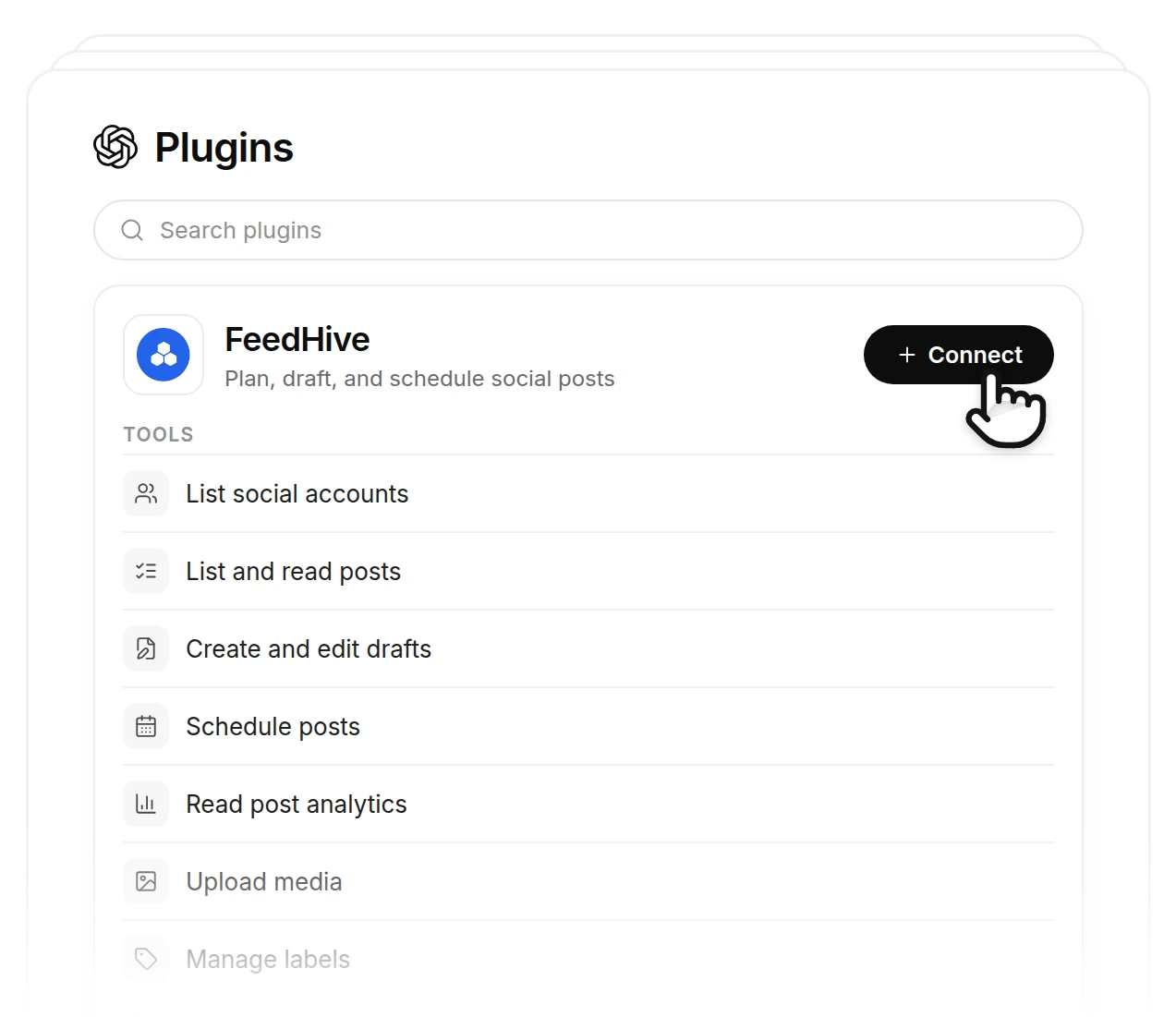
Connect ChatGPT

02.Connect ChatGPT

Add the official FeedHive plugin in ChatGPT.
Publish your content

03.Publish your content

Create, schedule, and publish your post with FeedHive.

Get started.

Try FeedHive for free and watch it transform your social media presence.

Get started. It's FREE

Try for free.

Cancel anytime.

BeehiivFaunaPrismicSenjaRiversidethirdweb
FeedHive workspace preview