Twitter/X Integration

Posts and threads published from one workflow

Plan, schedule, and publish Twitter/X content from one shared workflow.

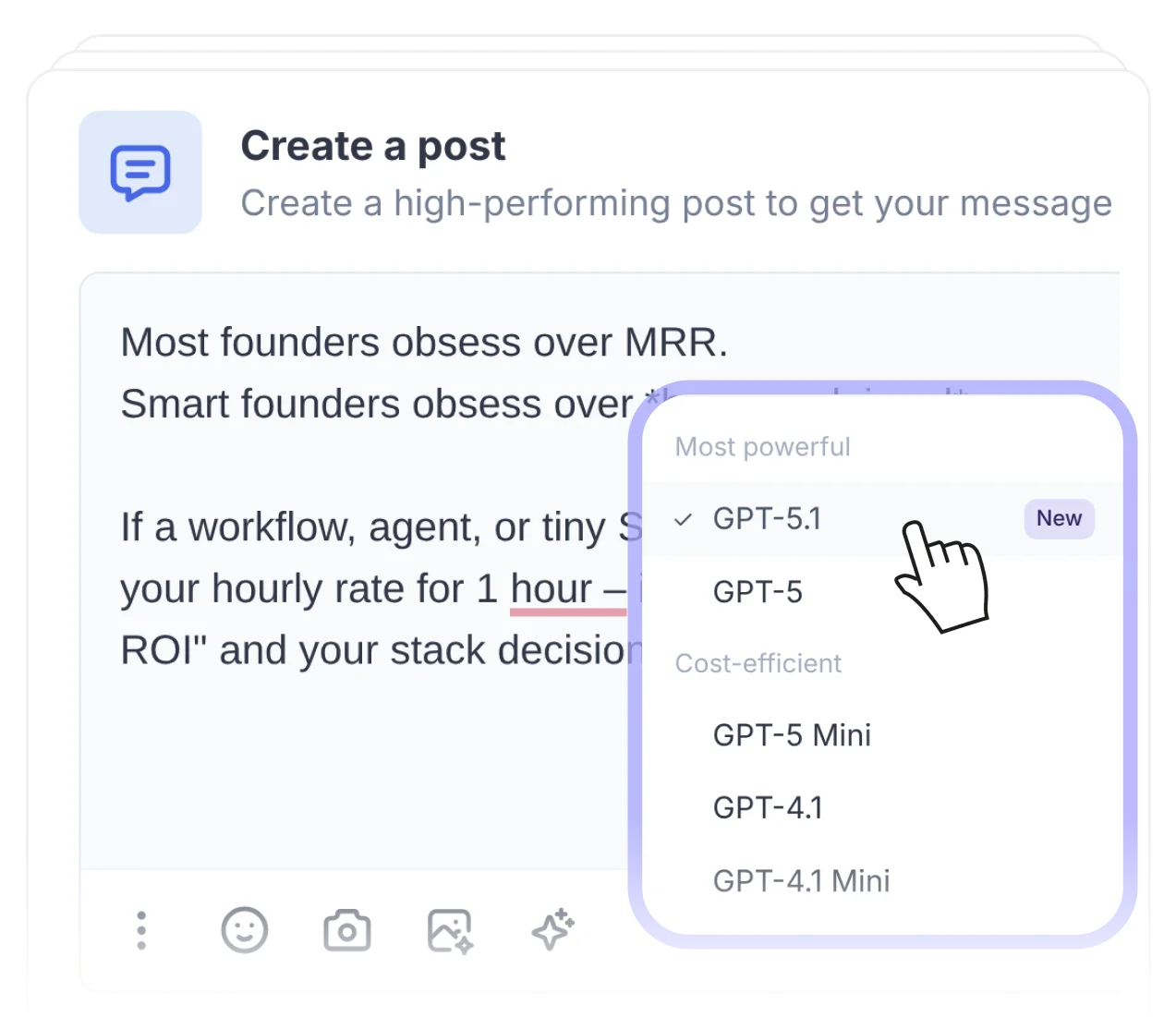
Use FeedHive to create, schedule, and publish your posts and threads on X from one place. Write from the browser, tablet, or wherever you prefer while keeping your AI tools, templates, variables, and other writing helpers in the same workflow.

Posts & ThreadsDirect publishing to XAI tools and templates

Posts, Threads & Direct Publishing

Twitter/X × FeedHive Integration

Keep text-first publishing for X inside the same planning system as the rest of your social content. FeedHive helps your team draft, preview, schedule, and publish posts or multi-post threads without splitting the writing workflow away from everything else.

What teams get

A direct X workflow for drafting, scheduling, and publishing posts and threads at speed.

  • Write and schedule X posts and threads from the same workspace as your other channels.
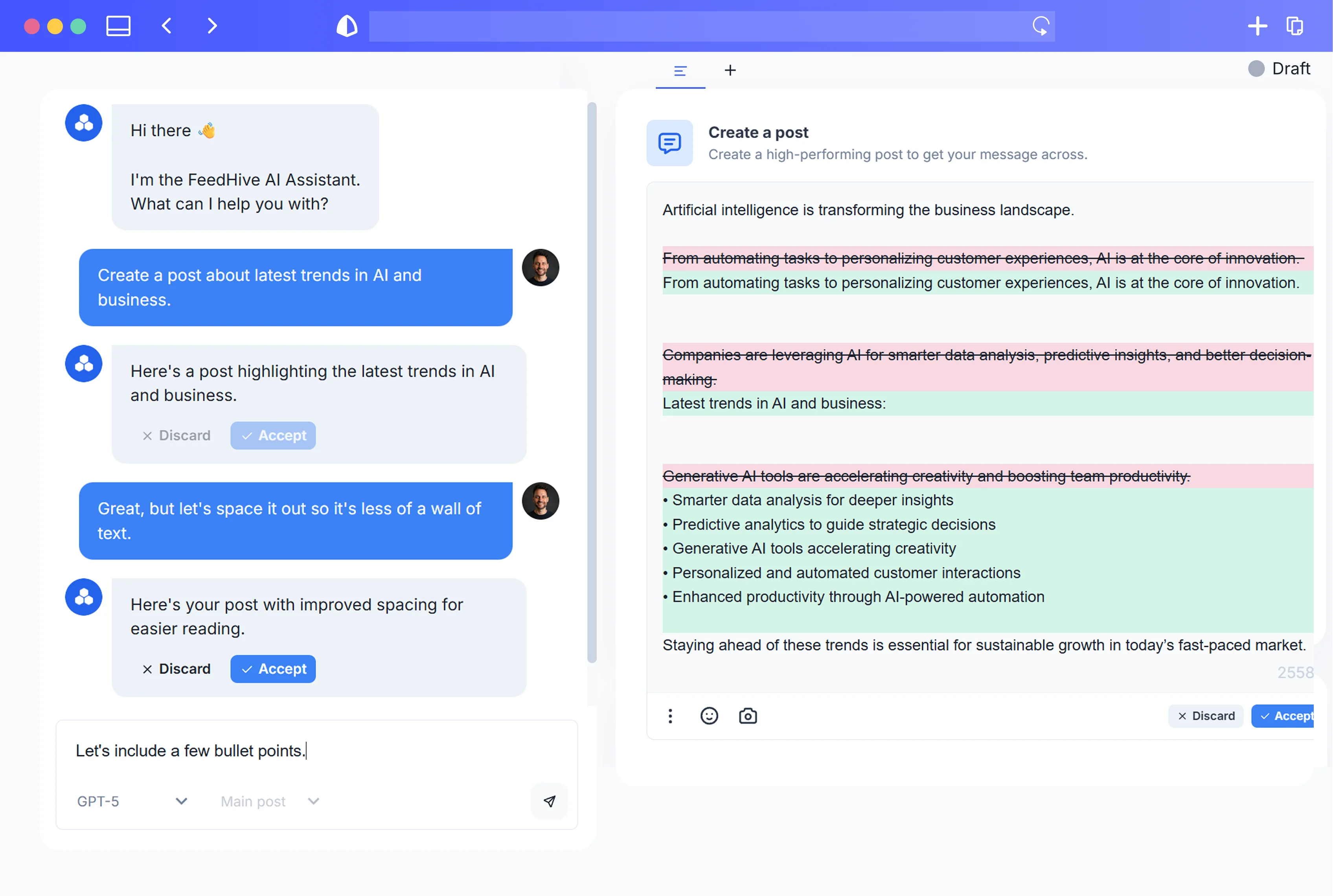
  • Use AI tools, templates, variables, and previews while building text-first content.
  • Publish directly to X once scheduled instead of copying threads over manually.
  • Start publishing on X immediately and try the workflow with a 7-day free trial.
01
Writing workflow

Create posts and threads for X from the same FeedHive workspace

FeedHive lets your team create, schedule, and publish posts and threads on X from one place. Write from the browser, tablet, or wherever you prefer while still using your AI tools, templates, variables, and the rest of your existing content workflow.
02
Direct publishing

Schedule threads directly to X and let FeedHive handle the rest

Draft the post inside FeedHive, schedule it, and publish directly to the X platform. Once it is scheduled, FeedHive takes care of the rest so your team does not need to manually rebuild the thread at publishing time.

03
Fast setup

Start publishing on X right away

Get started publishing your posts and threads immediately and try the workflow with a 7-day free trial. That makes it easy to move from idea to scheduled content without introducing more publishing friction.

Supported Socials

Publish to all trending social media channels.

Start the cycle

Get started in 3 simple steps.

Create your account

01.Create your account

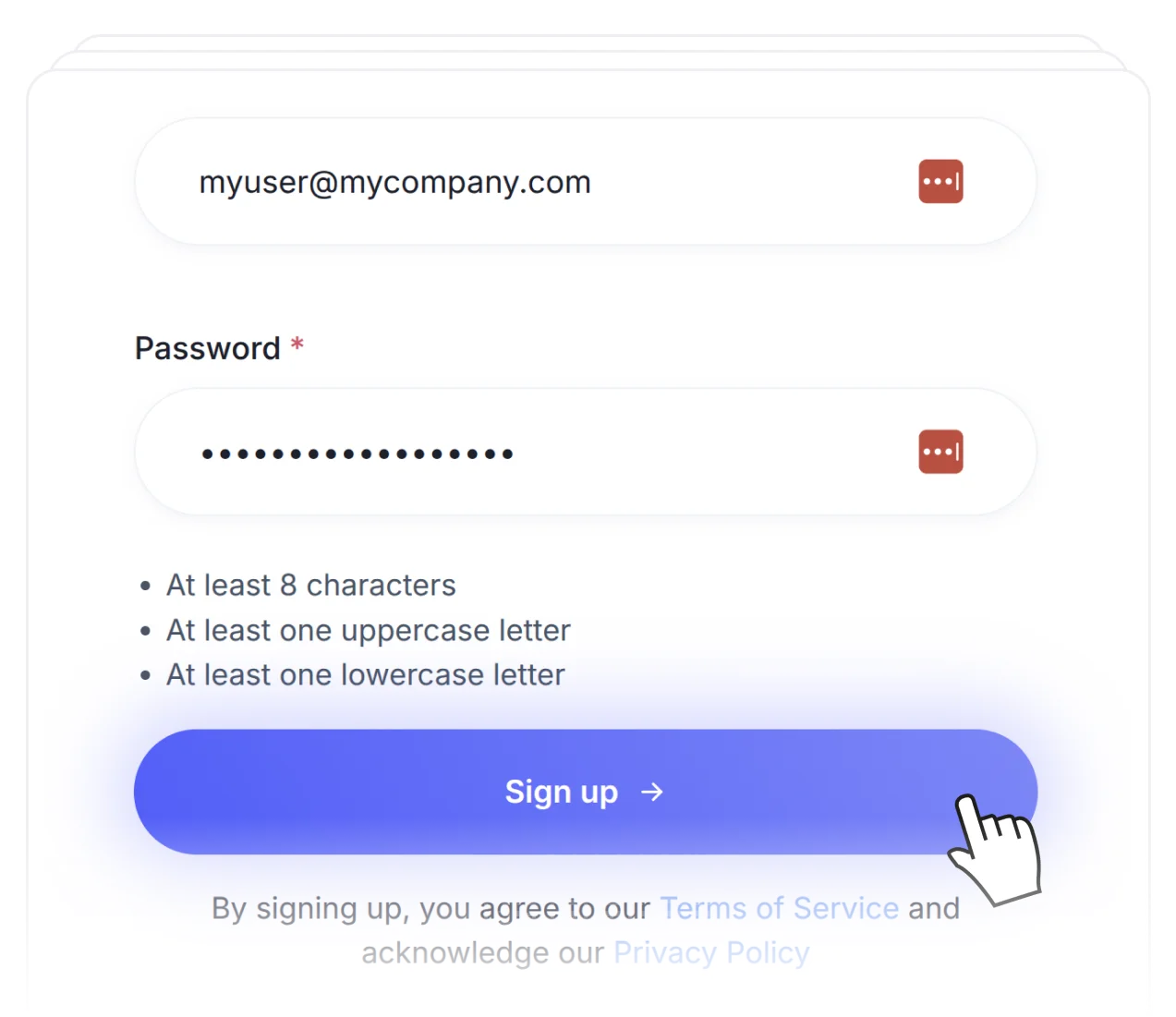
Create a new account in 10 seconds by signing up and adding your socials.

Create your brand brief

02.Create your brand brief

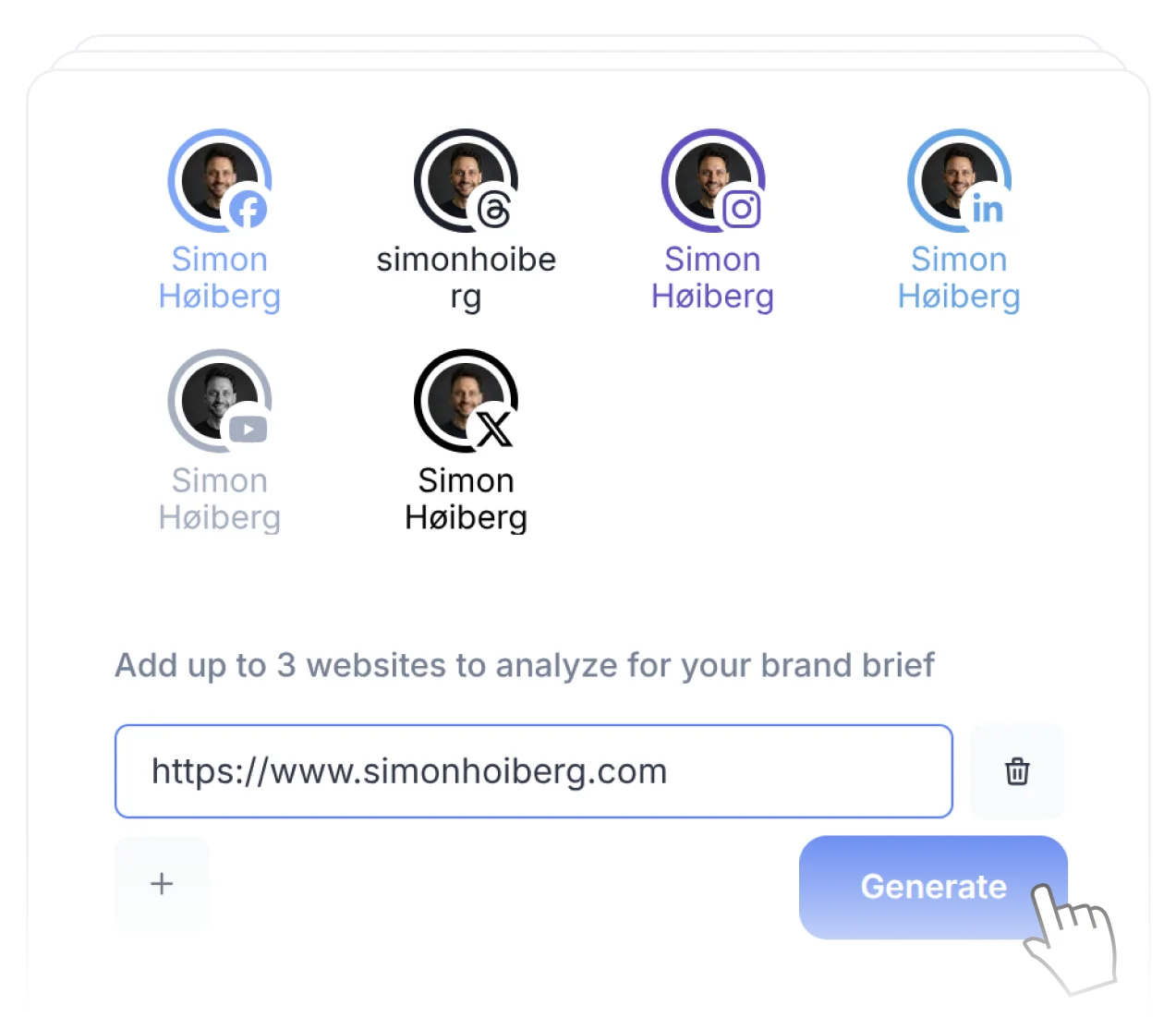
The AI will learn from your socials, previous posts, and websites.

Start the cycle

03.Start the cycle

The AI will create content tailored to your brand and audience.

Get started.

Try FeedHive for free and watch it transform your social media presence.

Get started. It's FREE

Try for free.

Cancel anytime.

BeehiivFaunaPrismicSenjaRiversidethirdweb
FeedHive workspace preview