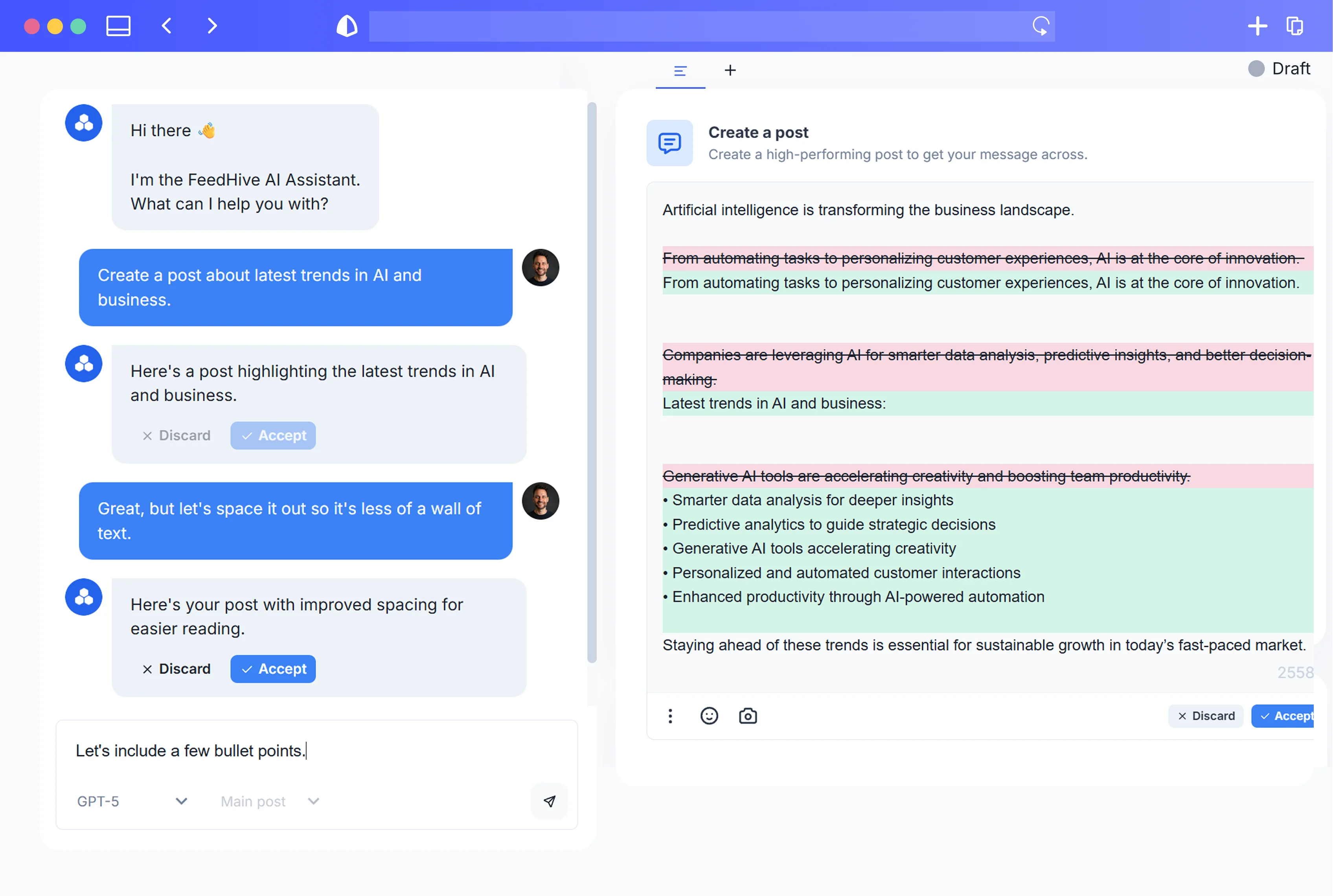
01
CLI
Bring social publishing to your terminal
Manage your social content without leaving your command line.
Explore the docs →FeedHive CLI
Use FeedHive from your command line. Create, schedule, and publish posts in terminal workflows and coding-agent environments.
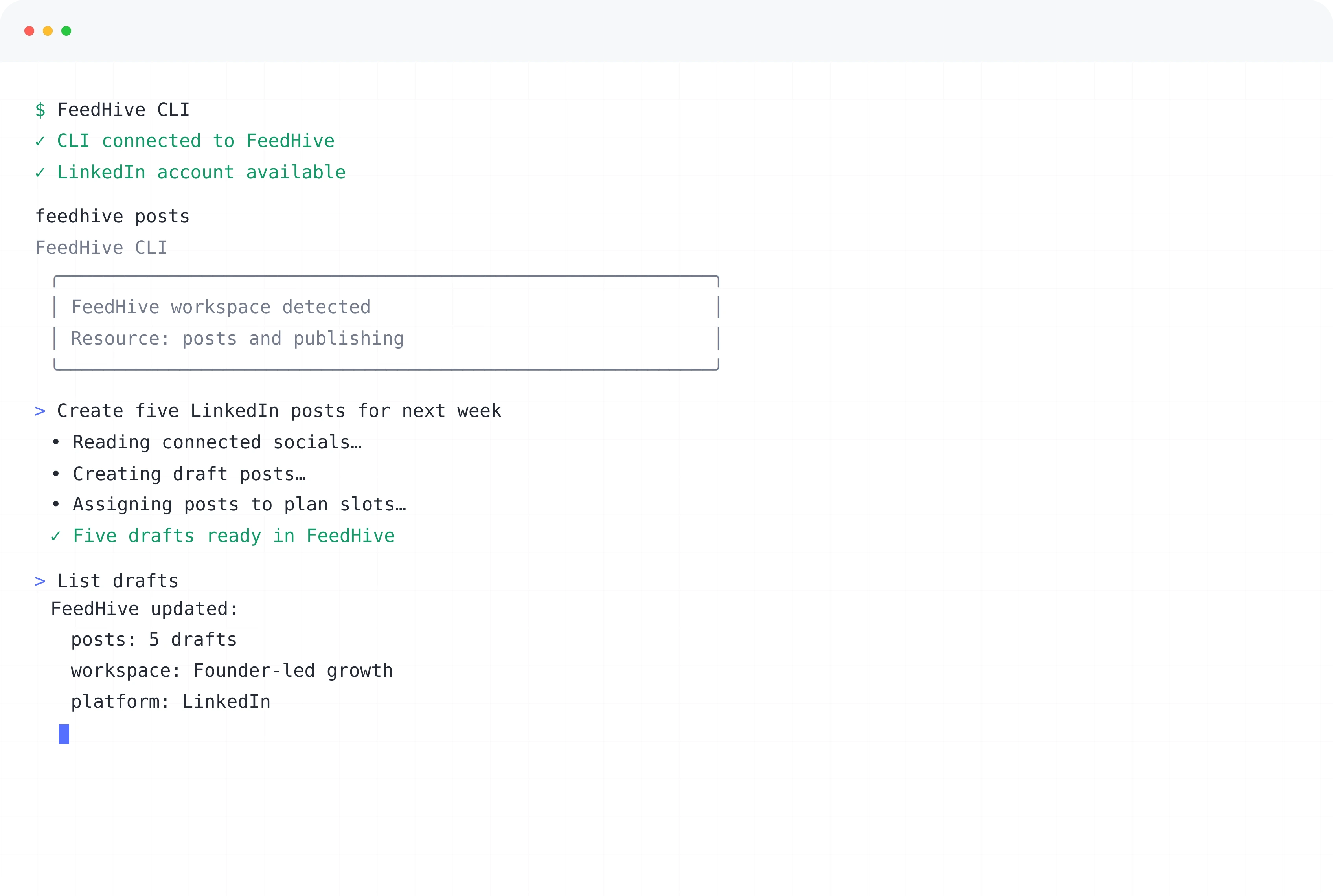
Connect, create, publish
Bring your social accounts, posts, and publishing workflow into the scripts and coding tools you already use.
What teams get
Work with FeedHive from your terminal.
Manage your social content without leaving your command line.
Explore the docs →Explore connected accounts, create posts, and publish with the CLI.
Create, schedule, and publish content in your terminal workflows.
FeedHive CLI in action
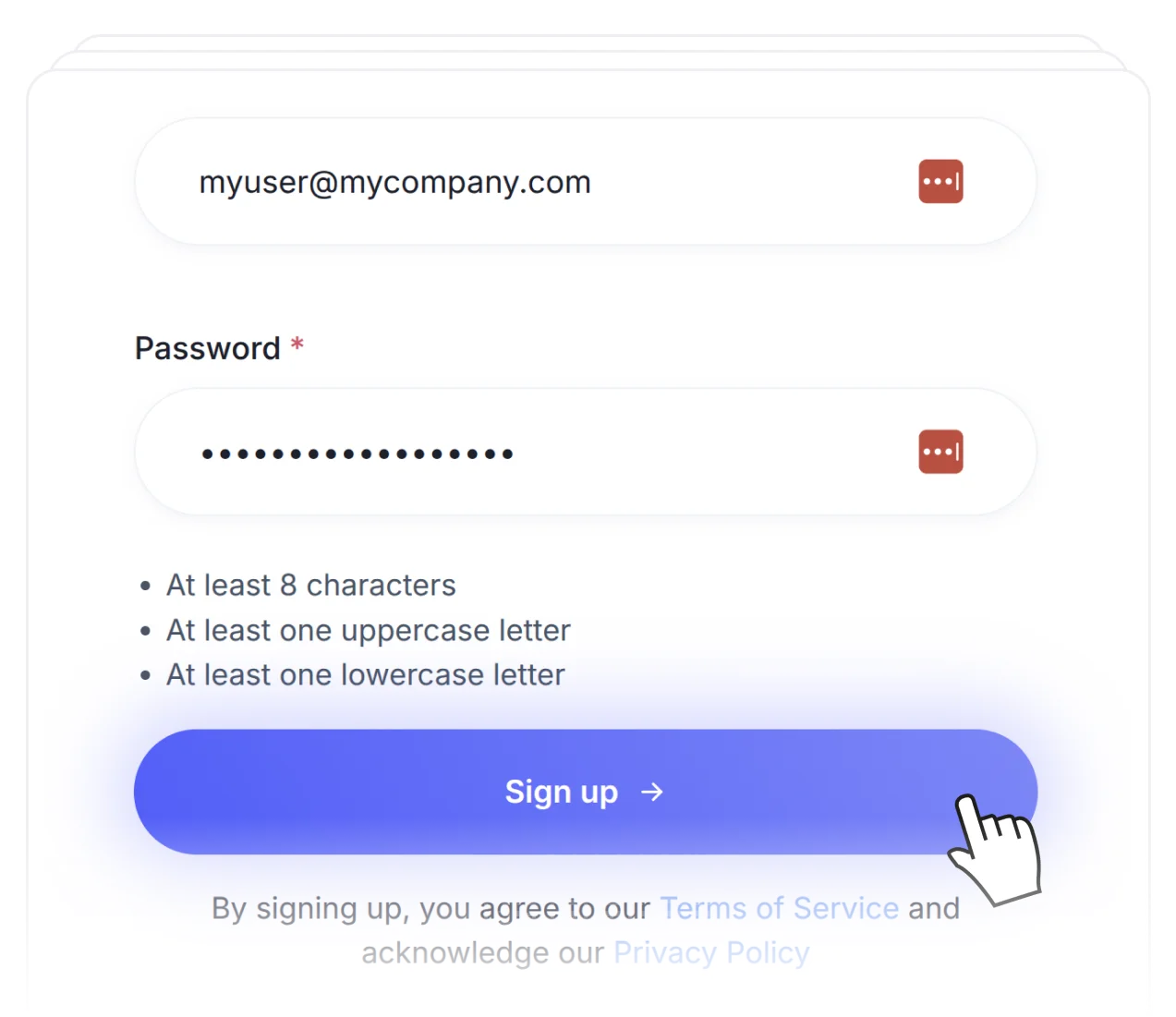
Keep your social accounts together in FeedHive.
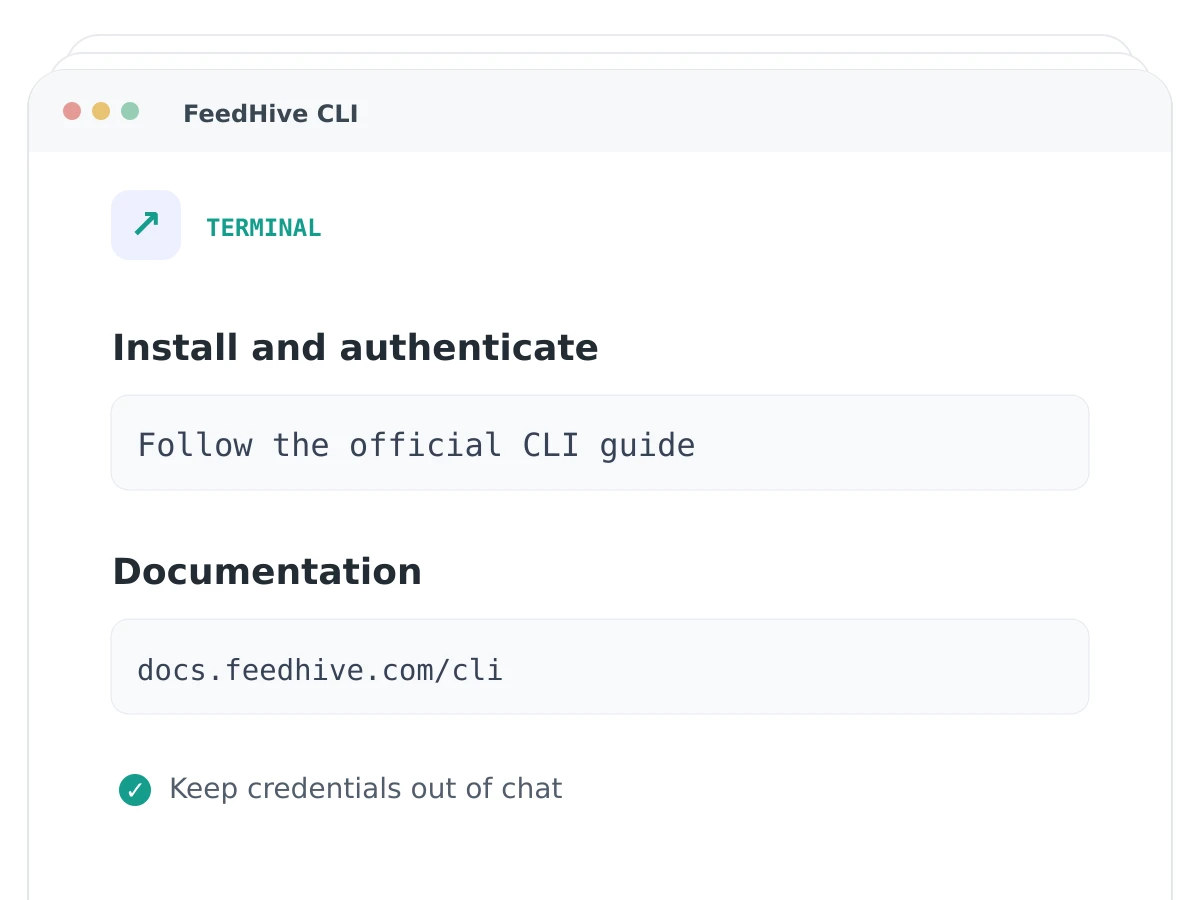
Bring FeedHive into your scripts and coding workflows.
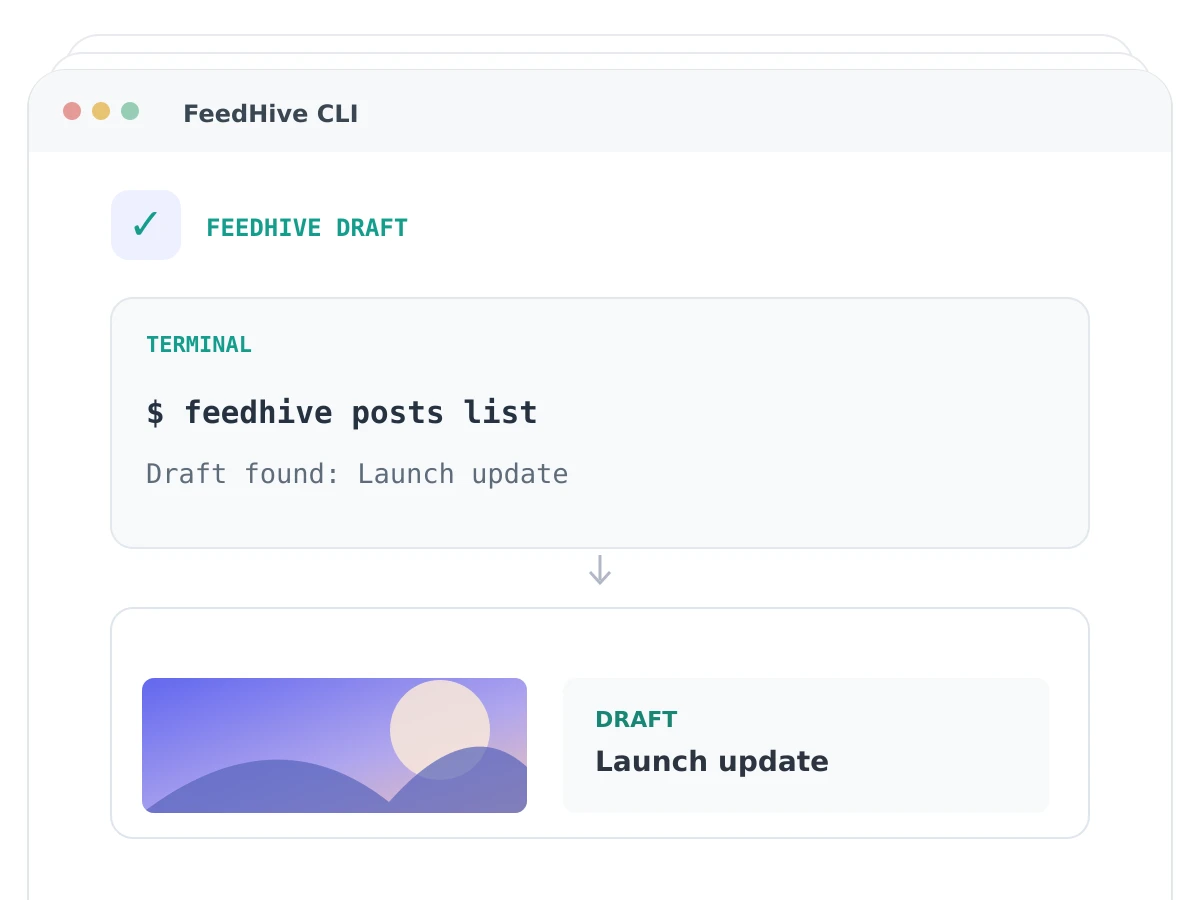
Create, schedule, and publish posts with the CLI.
Get started.
Try for free.
Cancel anytime.