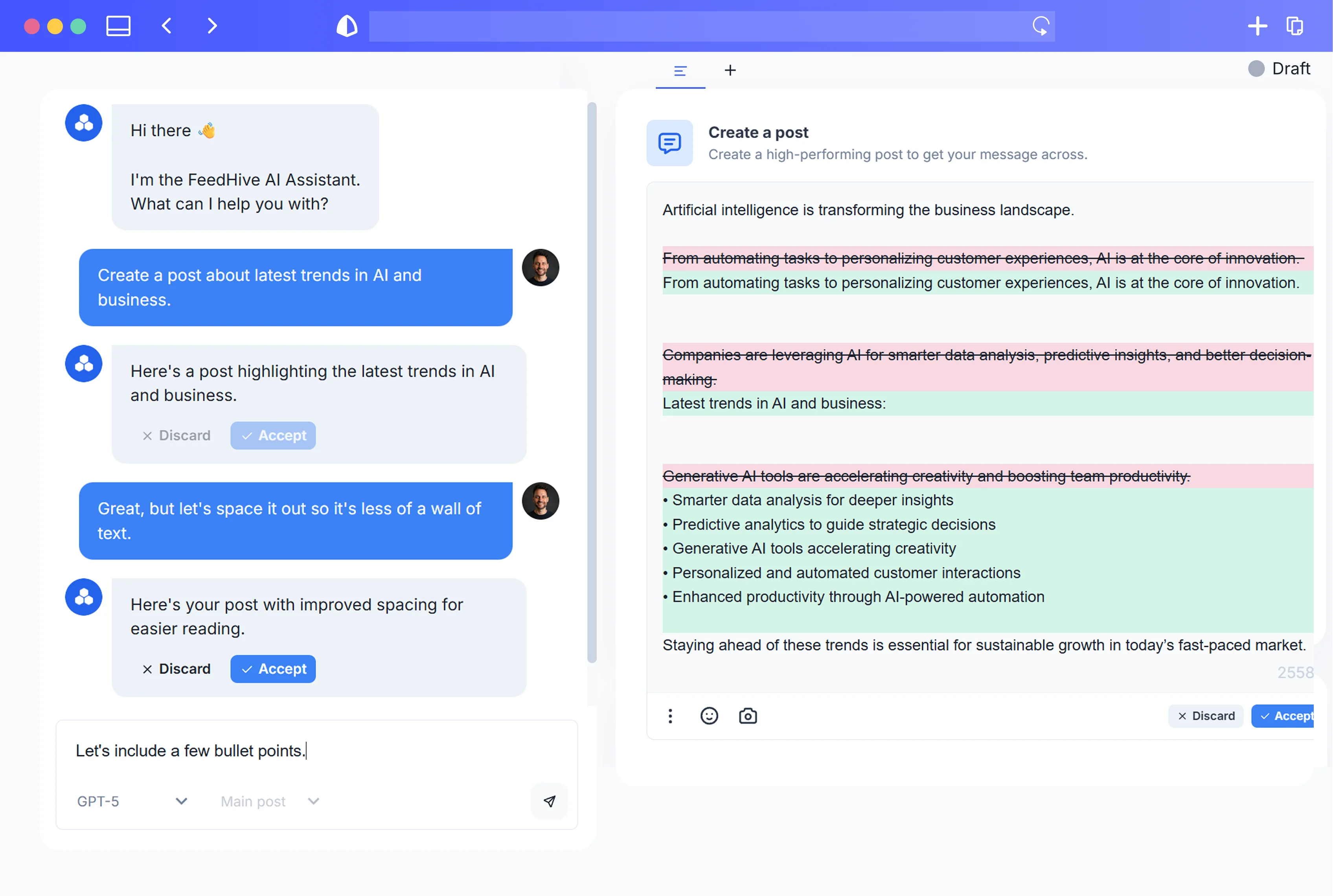
01
FeedHive node
Start with posts in n8n
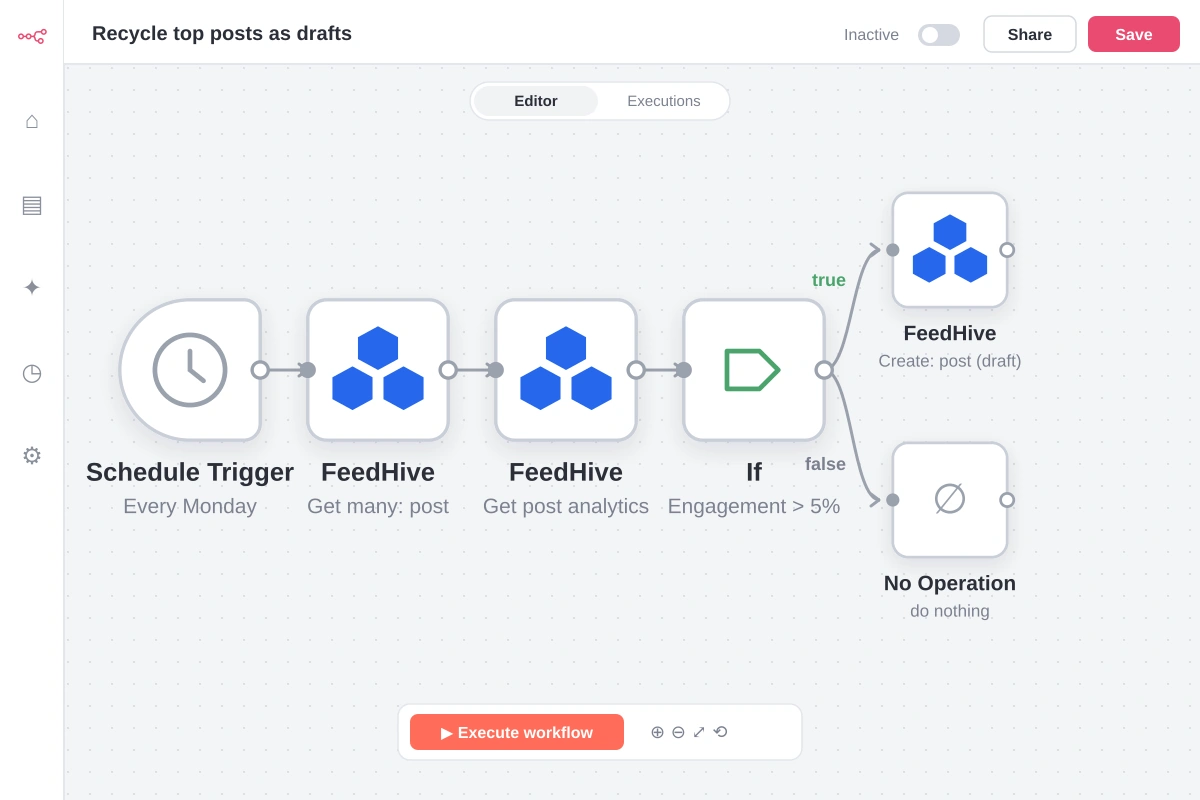
The example lists posts, reads their analytics, and saves the best ones as new drafts.
Read the FeedHive node guide →n8n
Use the verified FeedHive node in n8n to work with your posts, labels, media and posting plan, and to pull analytics into your workflows.
Connect, automate, publish
Bring FeedHive posts and analytics into n8n’s canvas, combine them with the rest of your stack, and decide when each workflow runs.
What this example shows
Your social content inside n8n workflows.
The example lists posts, reads their analytics, and saves the best ones as new drafts.
Read the FeedHive node guide →Map post data between nodes to build your workflow.
Start it with a Schedule Trigger or any other n8n trigger.
n8n in action
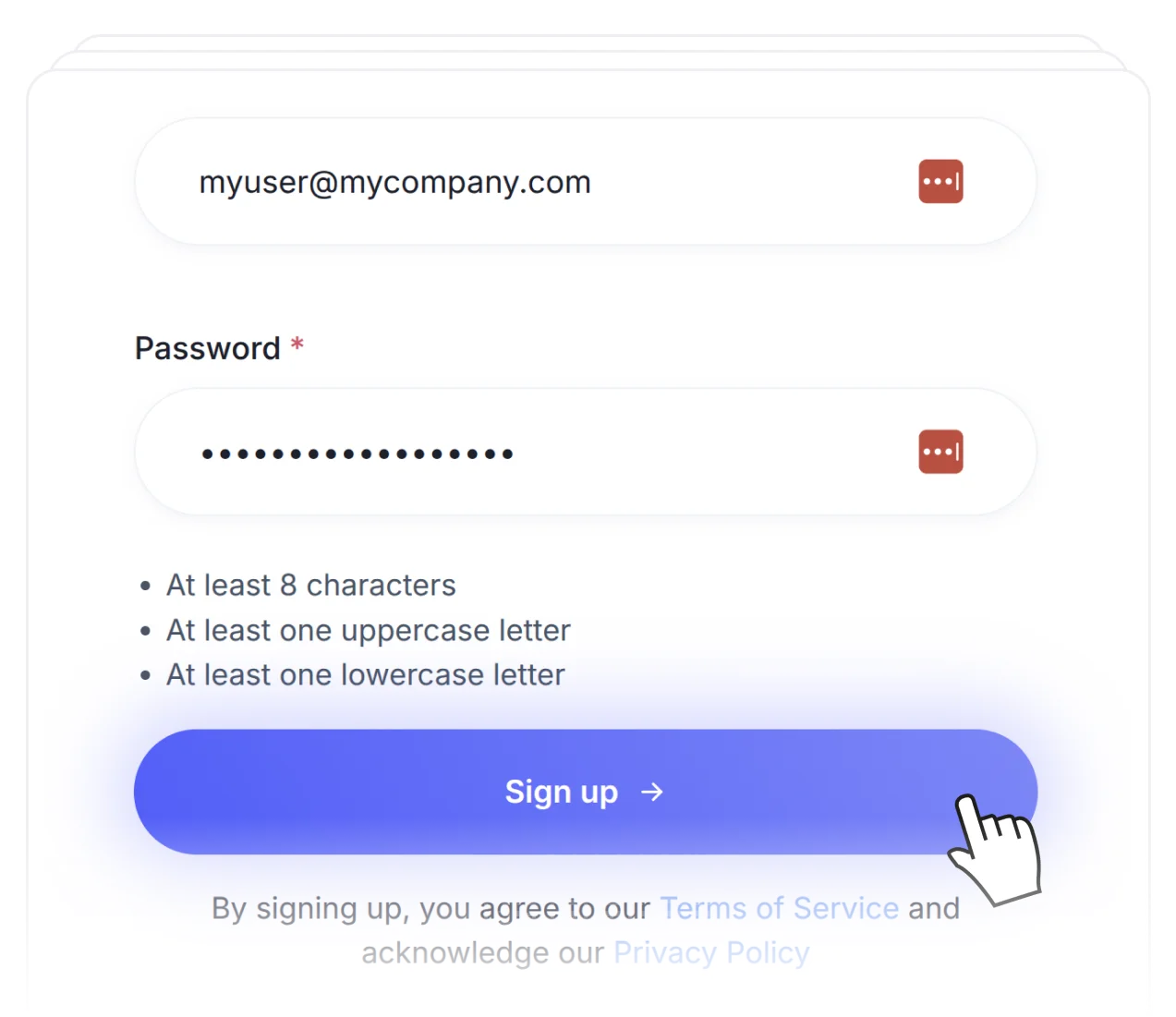
Sign up for FeedHive and connect the socials you manage.
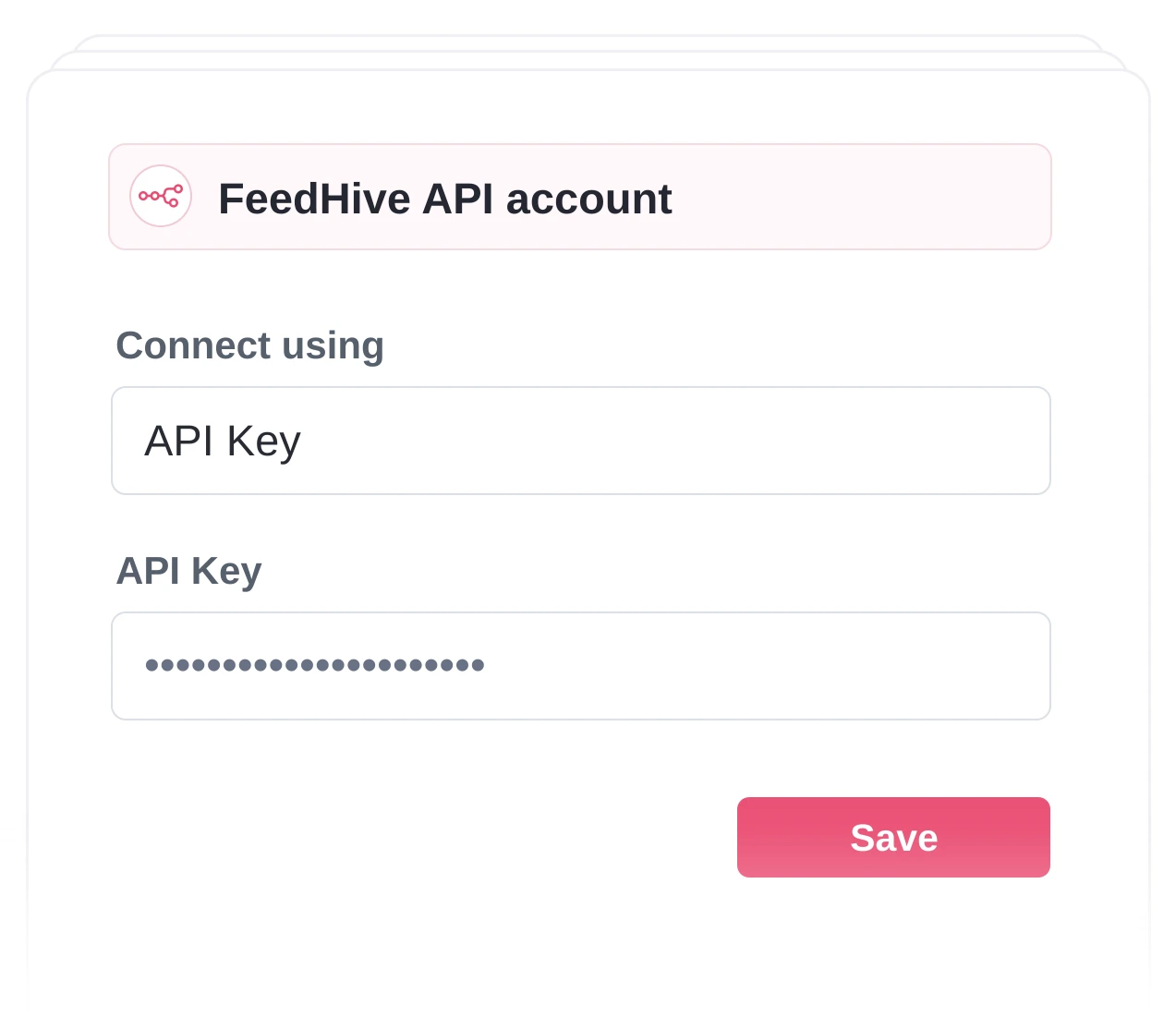
Add the FeedHive node in n8n and paste your FeedHive API key.
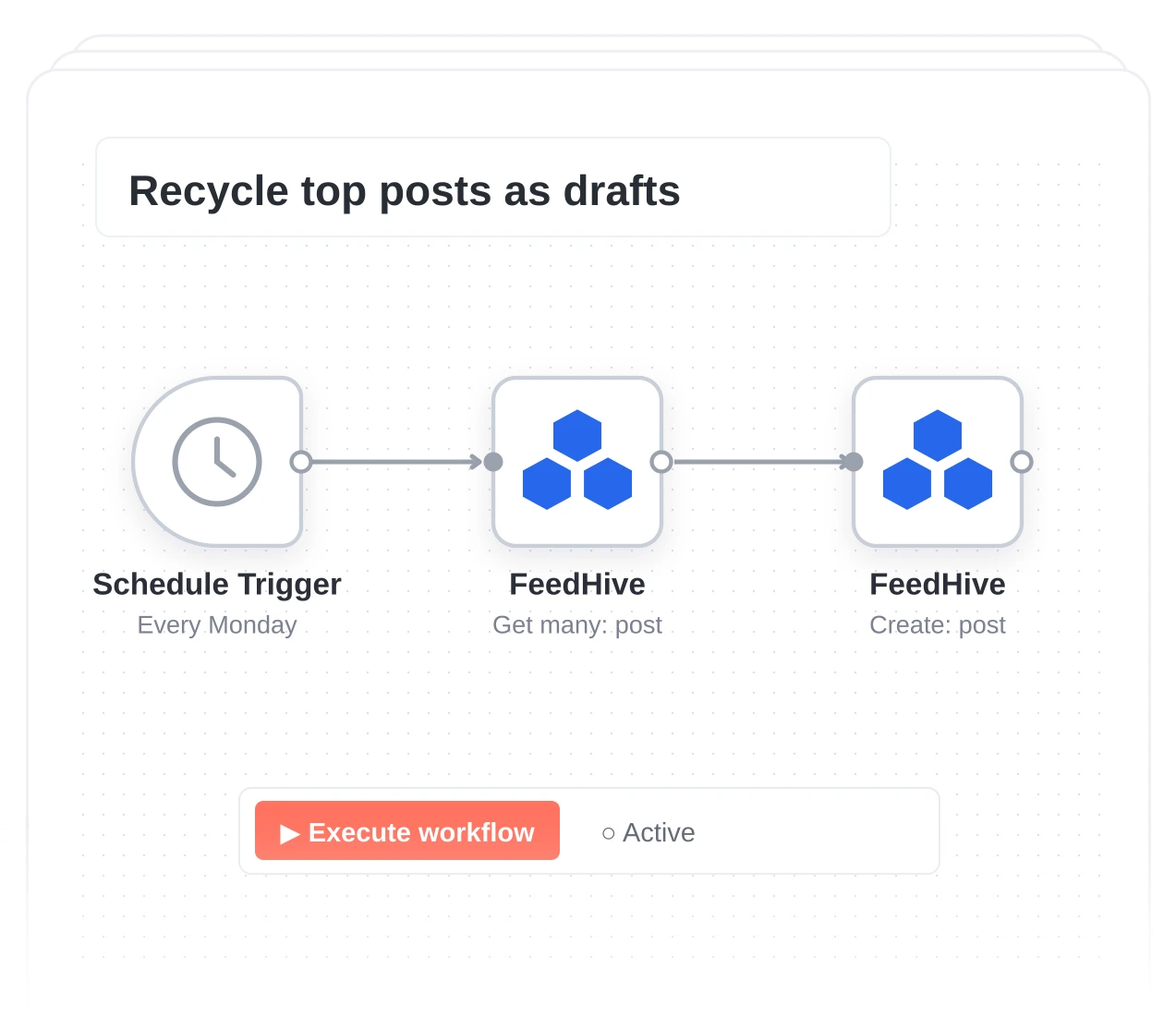
Pick your operations, test each step, then activate the workflow.
Get started.
Try for free.
Cancel anytime.