Short answer: if an AI assistant is going to help with your social calendar, choose the publishing workflow before you choose the assistant. FeedHive, Buffer, and Postiz all document ways to connect agents to social scheduling. What matters to a small team is what the agent can change, where a human checks the result, and what happens if a scheduling action goes wrong. We compare their documented agent connections and the steps between a draft and a scheduled post.
Start with the publishing boundary, not the AI label
“AI social media management” can mean three different things: help writing a caption, an assistant creating a draft in your scheduler, or an agent with the ability to schedule and publish. Those are different levels of responsibility. Ask your team to write down the last step an agent may take without human sign-off. If the answer is “create a draft,” test that exact action before connecting any automated publishing tool.

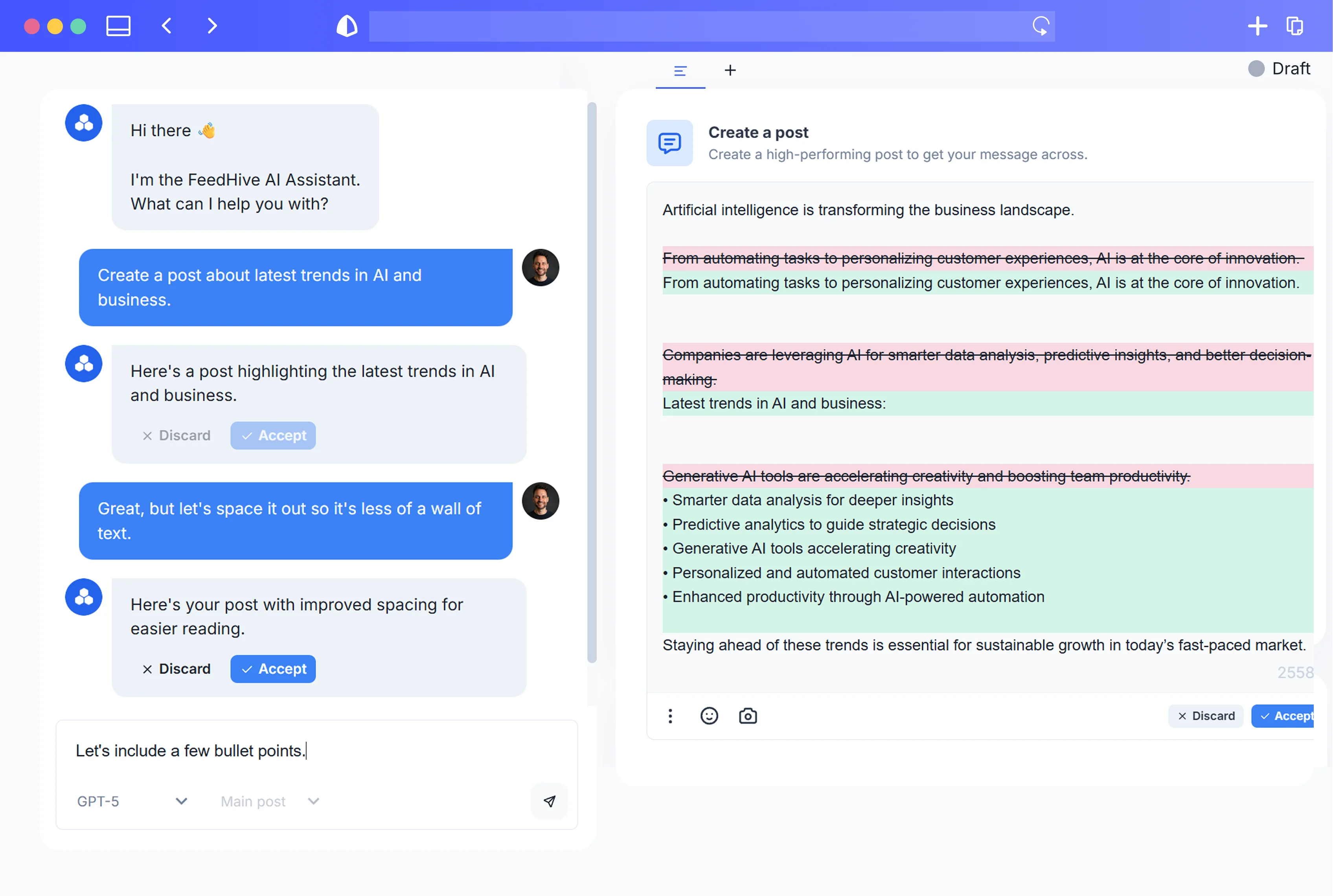
For example, FeedHive's MCP documentation distinguishes a draft created with status: draft from scheduling a post with confirm_scheduling: true; it also warns that a configured publishing trigger can publish content. The confirmation parameter approves the scheduling tool call. Set up a separate editorial sign-off step if your team requires one, and check it against your workspace permissions.
Three options, one specific decision
FeedHive, Buffer and Postiz each document an agent connection. Here is how their published workflows handle the path from creating a draft to scheduling a post, based on their product documentation as of October 3, 2026.

FeedHive: an agent workflow inside a collaborative publishing workspace
FeedHive's public API and MCP server describe programmatic access to posts, scheduling and existing automation triggers. The collaboration overview describes explicit review and sign-off, draft comments and shareable previews. That combination is worth examining when one person generates material and another owns publication. The MCP docs currently describe API-key access for restricted development testing. Customer OAuth linking and a public ChatGPT connector are not documented as available. A configured trigger can publish, so keep those permissions out of a draft-only pilot.
Buffer: a familiar queue with documented API and agent integrations
Buffer documents a remote MCP server that lets compatible assistants read channels, drafts and queue items, then schedule or edit posts; its developer site also describes API-based automation. That makes Buffer a plausible option if your team already works in its queue and wants an assistant to operate there. Its documentation says most MCP clients request approval for writes. Set up your team's editorial review separately from that client prompt. Test permissions and review behavior in your actual setup.
Postiz: agent-first scheduling with a visual calendar
Postiz describes its MCP connection as capable of listing channels, scheduling and publishing, managing scheduled posts, uploading media and reading analytics. Its product page emphasizes agent-driven planning and a visual calendar. If your first priority is asking an agent to operate a social scheduler from a conversational tool, that is a credible product to evaluate. Its MCP page also describes connector-specific differences in media-generation features; check the exact connector you intend to use, rather than assuming every agent has the same actions.
How to evaluate an AI social media scheduler in 30 minutes
Use a disposable draft and no live social account when possible. Give each tool the same brief: one product update, two channels, a specific time zone, and a request to stop before scheduling. Then ask these questions:
- Can the agent stop at draft? Confirm what it actually created, rather than accepting a chat response that says “done.”
- Who approves the final copy and destination? Can the reviewer see channel-specific copy and the asset before the post joins the calendar?
- What happens after a timeout? Read back the draft or queue before retrying; blindly retrying a write can create duplicates. FeedHive's MCP guidance specifically warns that write outcomes may be uncertain after timeouts.
- Which connector and credentials are needed? An API, MCP connection and a vendor's packaged agent integration are not interchangeable. Test the particular client, key scope, plan and permissions you will use.
- What will the team actually maintain? A founder may prefer an existing queue; an automation-heavy team may value explicit API actions; another may prioritize the shortest path from an agent prompt to a reviewable calendar entry.
Make the decision from the draft, reviewer and scheduling behavior you observe in your own setup.
Which one should a small team shortlist?
Choose FeedHive for evaluation if your main question is how AI-assisted drafting fits with a shared content calendar and human review. Start with a draft-only flow and inspect permissions. Choose Buffer for evaluation if your team already lives in Buffer's queue and wants to extend that workflow through documented API or MCP integrations. Choose Postiz for evaluation if conversational, agent-led scheduling and its calendar are your primary use case, while checking the exact connector's capabilities.
Before committing, check current plan prices, supported accounts, publishing reliability and review permissions in your own setup. Give each finalist the same draft brief and compare the actual results.
Where to go next
If you already use FeedHive and want a starting point, read the API and CLI overview and the MCP tool and safety notes before granting an agent scheduling access. For an event-driven workflow rather than an interactive agent, our earlier guide to FeedHive Triggers shows the separate webhook pattern. Start with one draft, one reviewer and an explicit handoff. A faster way to publish the wrong post is not a better social media system.