
Short answer: if an AI assistant times out while scheduling a social post, do not submit the same scheduling request again yet. A timeout tells you the client did not receive a definitive answer. Check the post and calendar first. If the original write completed, a blind retry may create a second scheduled post. FeedHive's MCP documentation explicitly advises checking the affected resource after a timeout because writes are not automatically retried and its public REST API does not advertise an idempotency key.
Why a timeout is an unknown outcome
Imagine a founder asks an assistant to schedule a launch update. The assistant sends the request, but its connection drops before the response arrives. The scheduler might already have saved the post. It might instead have rejected the request. The assistant's chat message alone cannot distinguish those cases. The right question is not “Did the assistant say it failed?” but “What record does the scheduler now show?”
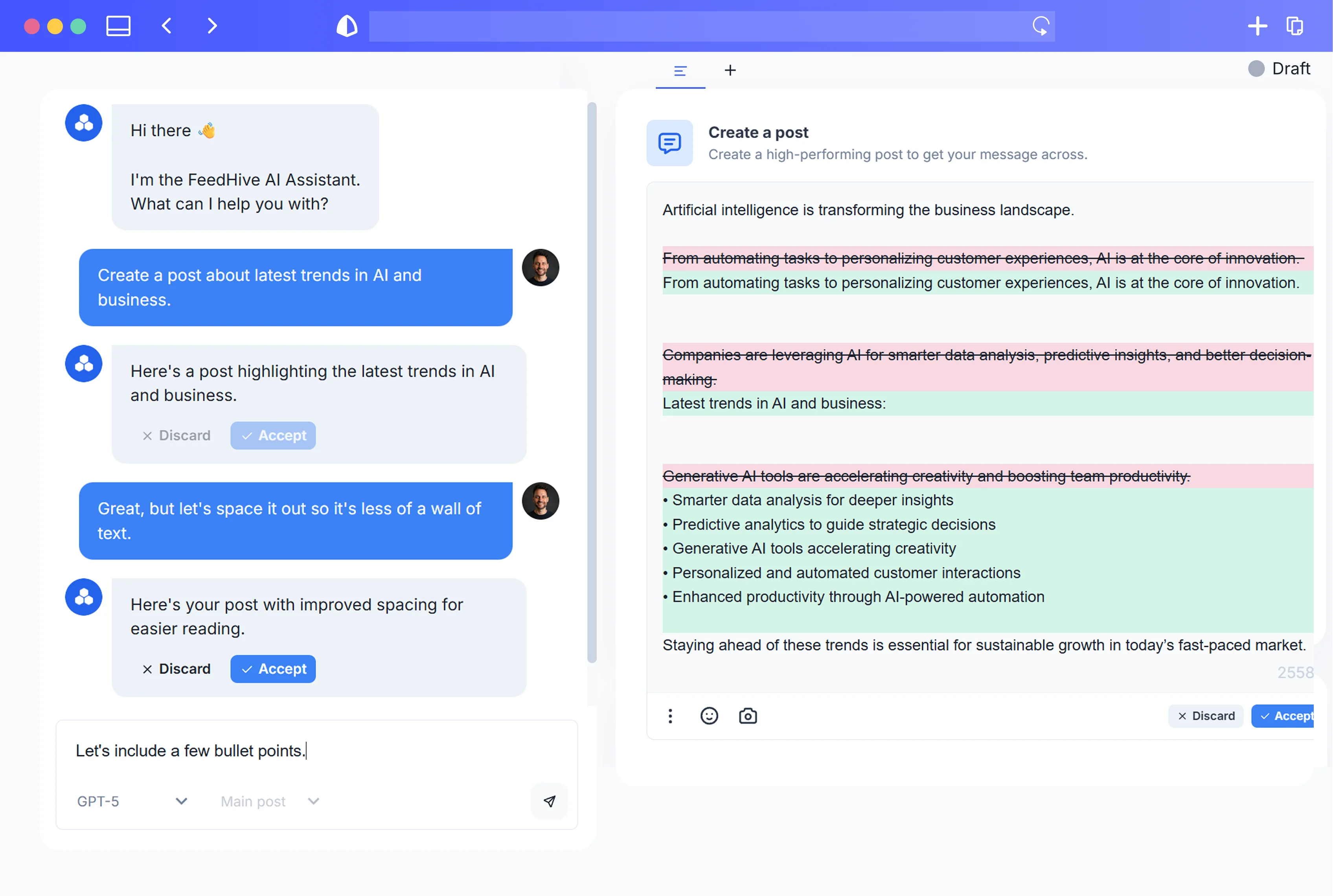
This is especially important when a team uses both drafts and scheduled posts. In FeedHive's documented MCP flow, creating a draft does not publish it; scheduling specifies a future ISO timestamp, social account IDs, status: scheduled, and confirm_scheduling: true. Approval-required workspaces may store a scheduling request pending approval instead. That confirmation flag authorizes the MCP scheduling action. It is not a substitute for a teammate reading the final copy.
Read back before you retry

- Keep the identifier you already have. If the tool returned a post ID before a later step timed out, use that ID. FeedHive's MCP guide recommends reading the returned
data.idwithfeedhive_posts_getbefore editing or scheduling a draft. - Inspect the record and the intended calendar slot. If you have no ID, search the relevant recent posts or calendar entries. Compare the text, destination account, media, scheduled time and status. A matching caption alone is not enough when you publish variants across channels.
- Decide from the state you find. If the correct post is scheduled, stop. If it is awaiting approval, route it to the human reviewer. If a draft exists but was not scheduled, inspect why before changing it. If no matching record appears, check that you searched the right account and pages before considering a new write.
- Retry deliberately, not automatically. Record what you checked, and get the appropriate authorization for a new scheduling call. If two plausible matches appear, resolve the duplicate question before making any further changes.
The API's list endpoints use cursor pagination, returning has_more and next_cursor. A first page that lacks your post is not proof that no post exists. Keep following pages where necessary, or use the known ID.
Plan slots and triggers need their own checks
FeedHive documents a separate feedhive_plan_assign_next tool. Its operation can partially succeed, so inspect each data.items[] result and read back affected posts rather than treating the batch as all-or-nothing. Configured automation triggers also appear as MCP tools, and the docs warn that a trigger may publish content. Do not infer that a draft-only rule for one tool covers a publishing trigger.
A rate-limit response is a different signal from a connection timeout. The MCP documentation describes HTTP 429 as a reason to wait before retrying. For an uncertain write, first find out whether it actually changed anything. A delay by itself does not settle that question.
What this means when choosing a tool
FeedHive's MCP tools correspond to its public REST API operations, according to its API introduction. MCP adds named tools and confirmation flags for an assistant; it does not add a private, guaranteed exactly-once publishing route. A team writing its own REST integration must build the same read-back and reconciliation step into its client. Do not assume that a generic HTTP retry policy is safe for a scheduling write.
Buffer's MCP documentation likewise describes tools for reading drafts and queues and scheduling posts. It says most MCP clients ask permission before writes and that post tools return saved records. Those are useful checkpoints, but a client approval prompt is not your editorial review process. If you are comparing schedulers, ask each vendor how you can inspect a possibly completed write and what identifier the tool returns. Our FeedHive, Buffer and Postiz comparison covers the broader platform choice.
A small-team operating rule
Use a simple handoff: the assistant prepares a draft, a person checks channel-specific text and media, and only the authorized scheduling step places it on the calendar. On any ambiguous result, pause the next write until someone has checked the saved record. You can review FeedHive's collaboration features for the human side and its MCP tool notes for the exact agent actions. The most useful automation rule here is also the least flashy: read before retrying.